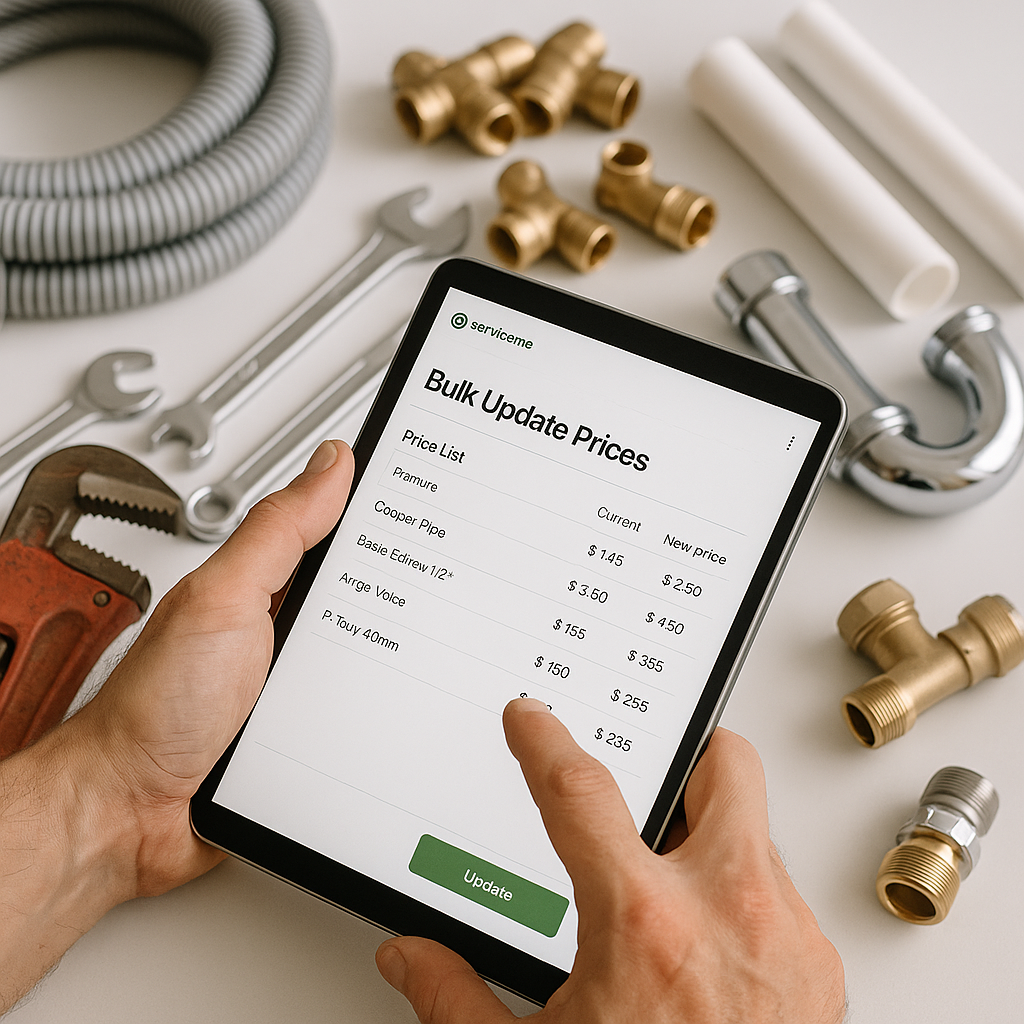
If you manage a busy plumbing, heating or electrical business in the UK, updating prices one item at a time in ServiceM8 can quickly turn into a tedious job. It is even more painful in August, when holiday cover, supplier changes and a packed schedule can leave office teams with very little spare time.
The good news is that bulk updating prices in ServiceM8 is much more manageable when you treat it as a process, not a one-off admin task. With the right setup, you can reduce mistakes, keep your material prices accurate and protect your job margins.
Why bulk price updates matter
When supplier prices move, even small changes can affect profit across dozens or hundreds of jobs. If your ServiceM8 prices are out of date, you can end up with:
- underpriced quotes n- inconsistent prices between office staff and engineers
- duplicate items with different rates
- slower admin every time someone has to check a price manually
- weaker gross profit on labour and materials combined
For UK trade businesses, this matters more than it might seem. Plumbing and heating materials, air conditioning parts and electrical components can all shift in price during the year. If your selling prices do not move with them, your margin gets squeezed quietly in the background.
The best way to approach bulk updates in ServiceM8
The simplest approach is to use one master price list and make sure ServiceM8 follows it. In practice, that usually means keeping your product data in a spreadsheet, often Google Sheets, then using that as your main source of truth.
This is often easier than trying to manage hundreds or thousands of items directly inside ServiceM8.
Start with a clean master list
Before you bulk update prices in ServiceM8, make sure your list is organised properly. At minimum, each item should have:
- a consistent product name
- a unique SKU or product code
- a cost price
- a selling price
- a category, if relevant
If different people in your business have added items over time, you may already have duplicates, old stock codes or slightly different names for the same product. Cleaning this up first makes price updates much safer.
Decide what should be updated
Not every price change needs the same action. You might want to update:
- Cost prices only
- Selling prices only
- Both cost and selling prices
- A selected category of materials, such as copper fittings or boiler parts
Being clear about this before you start helps avoid accidental changes across your whole inventory.
Common problems when updating hundreds of items at once
Bulk changes save time, but only if the data behind them is reliable. These are the problems most trade businesses run into:
Duplicate inventory items
If the same material exists twice in ServiceM8 under slightly different names, your update may apply to one version but not the other. That leaves the account inconsistent and causes confusion when quoting jobs.
Poor naming conventions
If one item is called “15mm elbow” and another is called “Elbow 15mm copper”, matching records becomes harder. This is why standardising product codes across the business is so important.
No clear source of truth
If your supplier sheet says one price, ServiceM8 says another and an engineer has their own saved version somewhere else, mistakes are almost guaranteed. Everyone should be working from the same master list.
A practical workflow for bulk updating prices
A simple process works best. Here is a reliable way to handle it:
1. Export or review your current item list
Check what is already in ServiceM8. Look for duplicates, old items and missing product codes.
2. Compare against your supplier or master spreadsheet
Review changes in cost and selling prices. If you use mark-up rules, confirm they still make sense for current material costs.
3. Clean the data before making changes
Fix naming issues, remove obvious duplicates and make sure codes match properly.
4. Preview the updates
Before applying bulk changes, sense check the results. Spotting ten wrong matches now is much better than fixing 200 item errors later.
5. Apply the update and test a sample
After updating, check a small range of items in ServiceM8 to make sure prices have landed correctly.
Manual updates versus a connected system
You can bulk update prices manually, but it becomes harder as your inventory grows. For a small list, manual work may be fine. For a larger account with hundreds or thousands of items, it often creates more admin than it saves.
That is where a connected workflow helps. Instead of editing prices one by one, or re-importing messy spreadsheets every time, you keep your list in one place and sync changes more cleanly.
For businesses already using spreadsheets day to day, this is often the most practical setup. It keeps the process familiar while reducing repetitive office work.
If you want to understand how this fits into a wider workflow, take a look at Materialm8. MaterialM8 is designed to help ServiceM8 users manage inventory and pricing more efficiently, especially when price lists are large or frequently updated.
Tips for plumbing and heating businesses
For plumbing and heating firms, accurate material pricing is especially important because many jobs include a mix of common stock items and supplier-specific parts. A few useful habits can make a big difference:
- review your top 100 most-used materials first
- separate standard stock from special-order items
- update after major supplier price changes, not just once a year
- make sure engineers and office staff use the same item names
- keep one shared spreadsheet as the master record
In summer, this can be a good time to tidy up your data before autumn demand picks up. Many UK businesses use the quieter moments in August to clean their ServiceM8 inventory so they are not firefighting pricing issues later in the year.
Final thought
If you are trying to bulk update prices in ServiceM8, the real goal is not just speed. It is accuracy, consistency and less admin. A clean master price list, clear product codes and a dependable process will save time and help protect your margins.
If your inventory is getting harder to manage, or your team is still updating prices manually, now is a good time to review your setup. Visit Materialm8 to see how MaterialM8 can help you keep ServiceM8 pricing cleaner, faster and easier to manage.