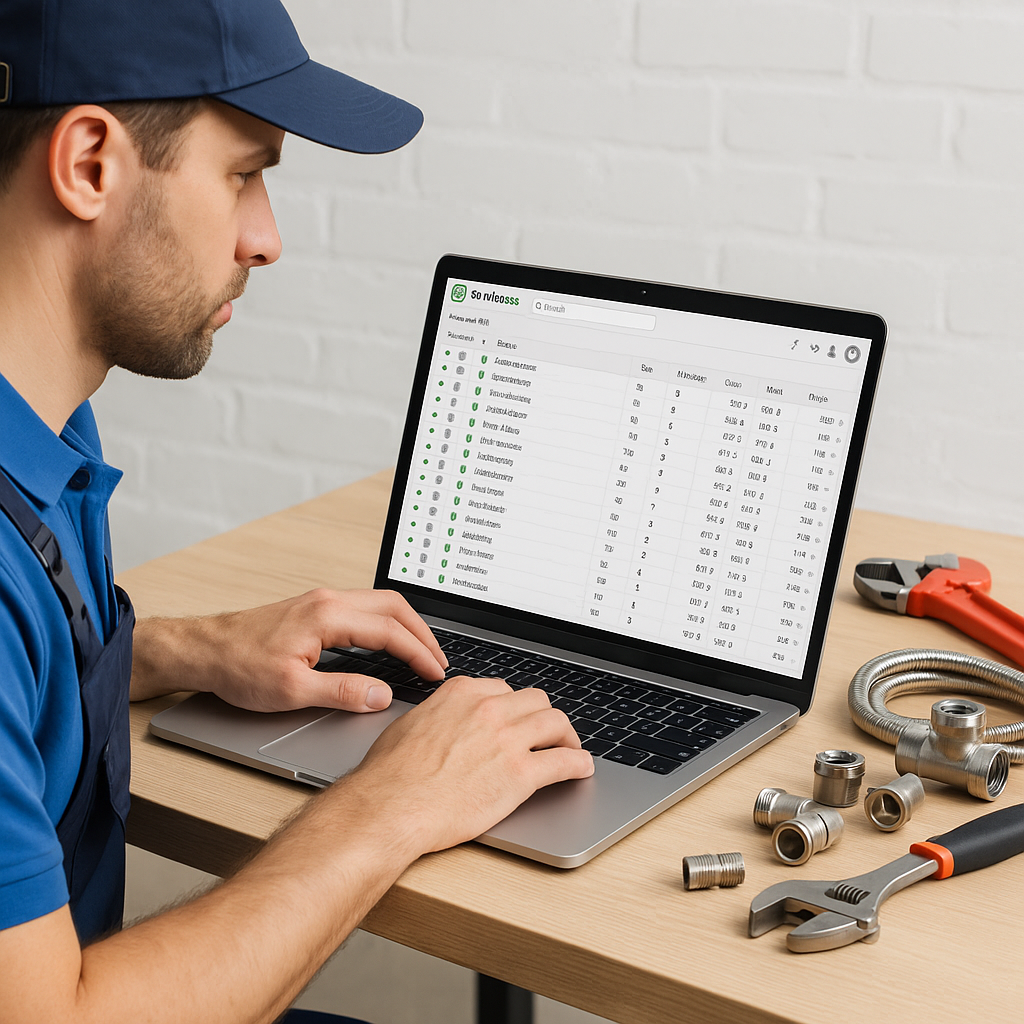
If your team is still changing material prices one item at a time in ServiceM8, you already know how slow it is. It is repetitive, easy to get wrong, and hard to keep on top of, especially during a busy August when many UK trade businesses are juggling holiday cover, urgent jobs and supplier price changes at the same time.
For plumbing, heating, electrical and HVAC firms, updating hundreds of ServiceM8 items at once is not just an admin task. It is part of protecting margins, keeping quotes accurate and making sure engineers and office staff are all working from the same numbers.
This guide explains a practical way to handle large ServiceM8 inventory updates without creating extra mess in your system.
Why updating items one by one causes problems
Manual updates might feel manageable when you only have a small list of materials. The problem starts when that list grows into hundreds or thousands of items.
A one-by-one approach usually leads to a few common issues:
- old prices staying live for weeks or months
- some items being updated while others are missed
- duplicate or slightly different item names appearing over time
- office staff using one price while engineers use another
- profit margins being reduced without anyone noticing straight away
In late summer, this can get worse. August is often a month where businesses are stretched. There is less office capacity because of annual leave, but the work still needs to be quoted, invoiced and priced correctly. If supplier costs move and your ServiceM8 items do not, those small price gaps can quickly add up across many jobs.
The best way to update hundreds of ServiceM8 items
The simplest approach is to stop treating ServiceM8 as the place where prices are manually maintained line by line. Instead, use a master price list, usually in Google Sheets, then sync those updates into ServiceM8 in a controlled way.
This gives you one source of truth for pricing. Rather than editing each item inside ServiceM8, you update the spreadsheet and push those changes across in bulk.
Start with a clean master price list
Before making bulk changes, make sure your source data is organised properly. A good master sheet should include:
- product code or SKU
- item name
- cost price
- selling price
- category or material type
- status, such as active or inactive
Using product codes consistently matters a lot here. If item names vary slightly, matching can become unreliable. Standardised codes make it much easier to update the right ServiceM8 items at once.
Check your existing ServiceM8 inventory first
Before any large update, it is worth reviewing your current inventory. Look for:
- duplicate items
- old or unused stock lines
- inconsistent naming conventions
- missing product codes
- outdated sell prices
This step helps avoid pushing new data into an already messy setup. If your ServiceM8 inventory has grown over time without clear rules, cleaning it up first can save a lot of frustration later.
A practical process for bulk item updates
If you want to update hundreds of ServiceM8 items at once without disrupting your workflow, follow this process.
- Export or review your current item list.
- Compare it with your latest supplier or master pricing sheet.
- Match items using a consistent identifier, ideally SKU or product code.
- Review any duplicates, mismatches or blank fields.
- Preview the changes before syncing.
- Apply the updates in bulk.
- Spot check a sample of updated items in ServiceM8.
That preview stage is important. It gives you a chance to catch obvious problems before they go live, such as the wrong item being matched or a sell price being overwritten unexpectedly.
What to watch out for when updating in bulk
Bulk updates save time, but only if the data going in is reliable. The most common mistakes usually come from poor structure rather than the update itself.
Inconsistent naming
If one item is called "22mm copper elbow" in one place and "copper elbow 22mm" in another, it can create confusion during matching and reporting.
Missing product codes
Without a clear identifier, teams often rely on item names alone. That increases the risk of duplicates or incorrect matches.
No approval step
Making hundreds of updates without previewing them first is risky. A quick review can prevent a lot of cleanup afterwards.
No central ownership
If several people can edit pricing in different places, errors are much more likely. Your office team should know exactly where the master list lives and who is responsible for maintaining it.
Why this matters for job margins
Accurate material pricing affects more than your stock list. It influences quoting, invoicing and overall gross profit.
If a plumbing or heating business in the UK is using outdated prices across hundreds of items, the impact is rarely dramatic on one job. The real problem is cumulative. A few pounds lost here and there on common fittings, valves, controls or consumables can quietly erode margin over a full month.
That is why many ServiceM8 users move towards a master-sheet approach. It makes price control more consistent and reduces the admin burden on already busy teams.
A simpler way to manage large ServiceM8 updates
For businesses that already use spreadsheets as their central product database, tools like MaterialM8 make the process much more manageable. Instead of manually working through item edits inside ServiceM8, you can keep your master data in Google Sheets and use that as the basis for controlled updates.
If you are reviewing your pricing setup this summer, it is a good time to simplify the process before autumn workloads ramp up. Cleaner inventory, consistent item naming and a proper master price list all make future updates faster.
You can learn more about Materialm8 and how it helps ServiceM8 users keep pricing data organised. If you want a straightforward way to reduce admin and make large item updates less painful, visit Materialm8 to see how the system works.