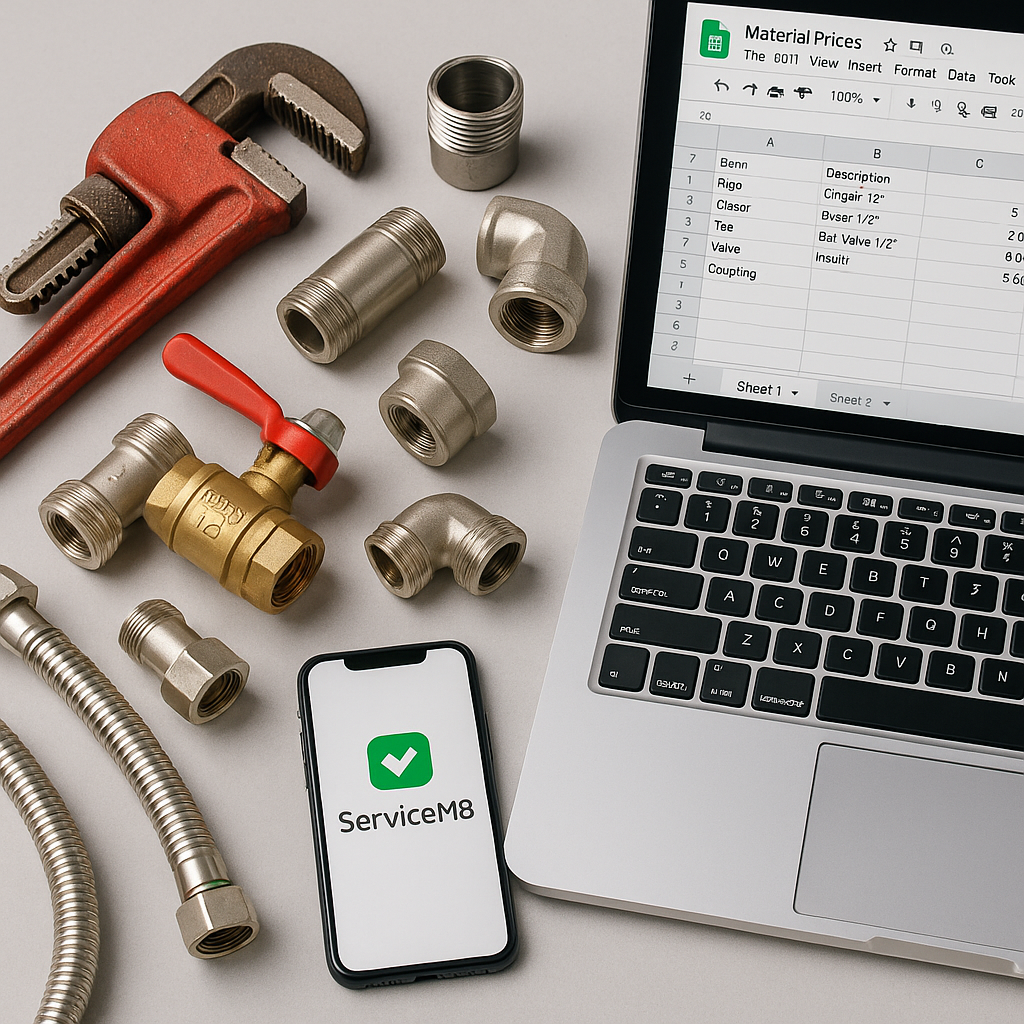
If you run a plumbing, heating, HVAC or electrical business in the UK, there is a good chance your material prices live in more than one place. A supplier spreadsheet lands in your inbox, someone updates a few items in ServiceM8, and engineers still have old prices saved from previous jobs. By August, when holiday cover is common and office teams are stretched, that kind of setup can start costing real money.
The good news is that this is not really a choice between one tool and another. For most trade businesses, Google Sheets and ServiceM8 do different jobs. The trick is knowing which one should be the master record for your prices, and which one should be used day to day.
What each system is actually good at
When people compare Google Sheets vs ServiceM8 for managing material prices, they often treat them as direct alternatives. In practice, they work best together.
Where Google Sheets works well
Google Sheets is strong when you need a flexible master price list. It is useful for:
- storing supplier cost prices n- comparing old and new supplier rates
- applying markups across product groups
- adding notes, categories, SKUs and supplier codes
- letting office staff review changes before they go live
- keeping one source of truth that is easy to edit
Because Sheets is simple to share, it also helps when more than one person needs visibility. If your estimator, office manager and business owner all need to check pricing, a spreadsheet is often the easiest place to do it.
Where ServiceM8 works well
ServiceM8 is where your team actually uses material prices on live jobs. It is designed for operational work, such as:
- adding materials to quotes and job cards
- giving engineers access to the items they need
- keeping invoicing tied to the same system as the job
- helping everyone use the same customer-facing price list
That makes ServiceM8 excellent for execution. It is not always the easiest place to maintain and review a large, changing catalogue of materials.
The real problem is using the wrong tool as the master list
A lot of businesses try to manage all pricing directly inside ServiceM8. That can work when you only have a small list of common items. It gets harder once you have hundreds or thousands of products, multiple suppliers, and regular price changes.
If ServiceM8 becomes the only place your prices live, you may run into problems like:
- No easy way to compare previous and current supplier costs.
- More manual editing when prices change.
- Less control over who changed what.
- A higher risk of inconsistent item naming or coding.
- More admin during busy periods, especially in summer when staff are on leave.
On the other hand, if you keep prices only in Google Sheets and never push them into ServiceM8 properly, engineers and office staff may quote from outdated figures. That can quietly chip away at margin across dozens of jobs.
Which should be your master price list?
For most small and medium trade businesses, Google Sheets should be the master price list, and ServiceM8 should be the delivery tool.
That setup usually makes the most sense because:
- Sheets is easier to structure, review and maintain
- supplier updates are easier to check in one place
- historical comparisons are much simpler
- pricing decisions stay controlled by the office
- ServiceM8 remains clean and focused on job workflow
This is especially useful for plumbing and heating firms dealing with regular supplier changes. Even small price increases on valves, fittings, cylinders or controls can add up quickly if old sell prices stay in use.
When ServiceM8 on its own may be enough
There are cases where ServiceM8 can handle your pricing without much trouble.
This is more realistic if you:
- only use a small number of stock items
- rarely change supplier pricing
- have one person managing materials
- do not need detailed price comparisons over time
If that sounds like your business, keeping things simple may be fine for now. But many firms outgrow that setup faster than they expect.
Signs you have outgrown manual price management
You may need a better system if any of these sound familiar:
Your team keeps asking which price is correct
If the office and engineers are not using the same figures, quoting becomes inconsistent.
Supplier increases take too long to deal with
When a new supplier list arrives, updating everything by hand can take hours.
Your margins seem to drift without a clear reason
Often, the issue is not labour. It is old material pricing still being used in the background.
Different names exist for the same item
Inconsistent naming makes reporting, searching and updating much harder.
Best practice for UK trade businesses
If you want a practical setup, aim for this:
- Build a structured master price list in Google Sheets.
- Use clear product names, SKUs and supplier codes.
- Review supplier changes before updating sell prices.
- Keep ServiceM8 as the place your team selects items on jobs.
- Make sure there is one agreed source of truth.
This approach gives you more control without changing your whole workflow.
For ServiceM8 users, that is often the sweet spot. You keep the flexibility of spreadsheets and the convenience of job-based pricing in ServiceM8.
Where MaterialM8 fits in
This is exactly the gap that MaterialM8 is designed to help with. Instead of choosing between a spreadsheet and ServiceM8, you can use both properly.
MaterialM8 helps trade businesses keep a Google Sheet as the central product database, then sync that data into ServiceM8 in a more controlled way. That is useful if you want to reduce manual admin, keep prices consistent, and avoid the usual headaches that come with maintaining lots of items.
If you want to learn more, you can start on the Materialm8 homepage. It gives a clear overview of how the platform supports ServiceM8 users who need better control over material pricing.
Final thoughts
In the debate around Google Sheets vs ServiceM8 for managing material prices, the best answer is usually not either or. It is both, with clear roles.
Use Google Sheets to manage, review and control your pricing data. Use ServiceM8 to apply that pricing in the real world, on quotes, jobs and invoices. That gives your business a more reliable process, especially during busy periods when time is tight and pricing mistakes are easier to miss.
If your current setup feels messy, slow or risky, take a look at Materialm8 and see how it can help you create one reliable system for your price list and ServiceM8 workflow.