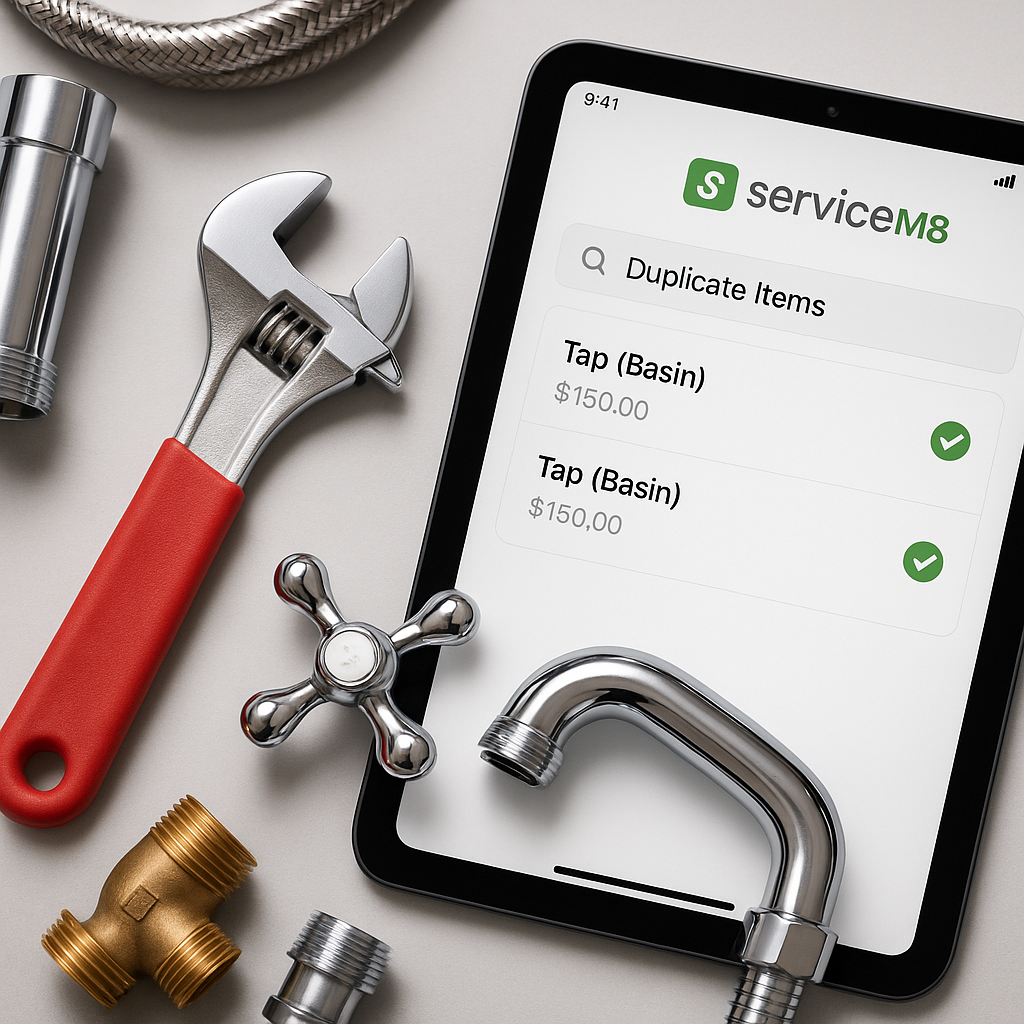
If your ServiceM8 inventory has grown over time, duplicate items can creep in without anyone noticing. It usually starts innocently enough. One person adds a part with a supplier code, someone else adds the same item with a slightly different name, and before long your team has multiple versions of the same material.
For UK trade businesses heading into autumn, this can become a bigger issue than it first appears. September is often when plumbing, heating and maintenance firms get busier preparing for colder weather. More quotes, more jobs, and more materials going through the system means more chance of using the wrong item or the wrong price.
This guide explains how to find duplicate items in ServiceM8, what warning signs to look for, and how to reduce the chances of duplicates causing pricing problems.
Why duplicate items matter
Duplicate inventory items are not just untidy. They can create real admin and pricing issues across your business.
Common problems include:
- engineers selecting different versions of the same item
- different sell prices being used for identical materials
- confusion between office staff and field staff
- difficulty updating prices after supplier changes
- messy reports and unreliable inventory data
- wasted time checking which item is the correct one
If you are trying to keep one source of truth for pricing, duplicates make that much harder. This is especially important for ServiceM8 users who rely on inventory items for quoting, invoicing and job costing.
Signs you may have duplicates in ServiceM8
Sometimes duplicate items are obvious, but often they sit quietly in the background. Here are a few signs your account may need checking.
Similar names with small differences
You might have items such as:
- Copper Elbow 15mm
- 15mm Copper Elbow
- Elbow Copper 15mm
- Copper Elbow 15 mm
They all refer to the same thing, but ServiceM8 will treat them as separate items.
Matching supplier codes or SKUs
If two or more items share the same supplier reference, product code or SKU, that is a strong sign of duplication. This is one of the quickest ways to spot a problem if your inventory includes codes consistently.
Different prices for what looks like the same material
If one radiator valve, fitting or cable appears with two different prices, it is worth investigating. Duplicate items often lead to pricing drift, where one version gets updated and another gets left behind.
How to find duplicate items in ServiceM8
There is no single magic button inside every workflow, so the best approach is a simple audit. The aim is to compare your items in a structured way and look for patterns.
1. Export or review your inventory list
Start by getting a full view of your ServiceM8 items. You need to see item names, codes and prices together if possible. Reviewing your whole list makes it far easier to spot repeated products.
2. Sort by product name
Look for naming variations that describe the same material in slightly different ways. Focus on:
- word order
- spacing
- abbreviations
- singular versus plural wording
- branded versus generic naming
This is often where duplicate records first show up.
3. Sort by SKU or supplier code
If your team uses product codes, sort by that column next. Any repeated code should be checked carefully. In a well-managed system, one code should usually map to one item.
4. Compare descriptions and pricing
Some duplicates do not share exactly the same name, but their description and price make them easy to identify. If two items have similar wording and the same purpose, review whether they should be merged or standardised.
5. Check frequently used materials first
If you have thousands of items, start with the products used most often in quotes and jobs. For many plumbing and heating firms in the UK, autumn is the right time to review the parts most likely to be used during the busy heating season.
A simple process for checking duplicates
If you want a practical routine, use this checklist:
- gather your full item list from ServiceM8
- review names for near matches
- compare SKUs or supplier product codes
- flag items with inconsistent prices
- decide which version should remain as the main record
- update your naming and code rules for future items
This kind of review is much easier when you have a central list outside ServiceM8 as well. Many businesses use Google Sheets as a master product list, then sync changes into ServiceM8 to keep everything more consistent.
How to stop duplicates coming back
Finding duplicates is only half the job. The bigger win is preventing them from returning.
A few practical ways to do that are:
- agree one naming format for all new items
- use supplier codes consistently where possible
- make sure office staff and engineers use the same item list
- avoid letting multiple people add items without a simple process
- keep one master price list as your reference point
- review new additions regularly, especially during busy periods
For businesses using ServiceM8 across several engineers or office users, standardisation matters. If everyone adds items in their own style, duplicate records are almost guaranteed over time.
How MaterialM8 can help
At MaterialM8, we focus on helping ServiceM8 users keep product and pricing data cleaner, more consistent and easier to manage. If your team is working from a Google Sheet as the main source of material prices, a structured sync process can make it easier to spot repeated items before they create bigger issues.
You can learn more about Materialm8 and how it supports ServiceM8 users who want better control over inventory and price list management. If you are reviewing your setup this autumn, now is a good time to tighten up your product data before winter workloads increase.
Final thoughts
Knowing how to find duplicate items in ServiceM8 is an important step towards cleaner inventory, fewer pricing mistakes and less office admin. The longer duplicates stay in your account, the more confusion they tend to create.
A simple review of names, SKUs and prices can reveal a lot. Once you know where the duplicates are, you can start building a cleaner, more reliable system for your whole team.
If you want a simpler way to manage ServiceM8 inventory data and keep your material list aligned, visit Materialm8 to see how MaterialM8 can help.