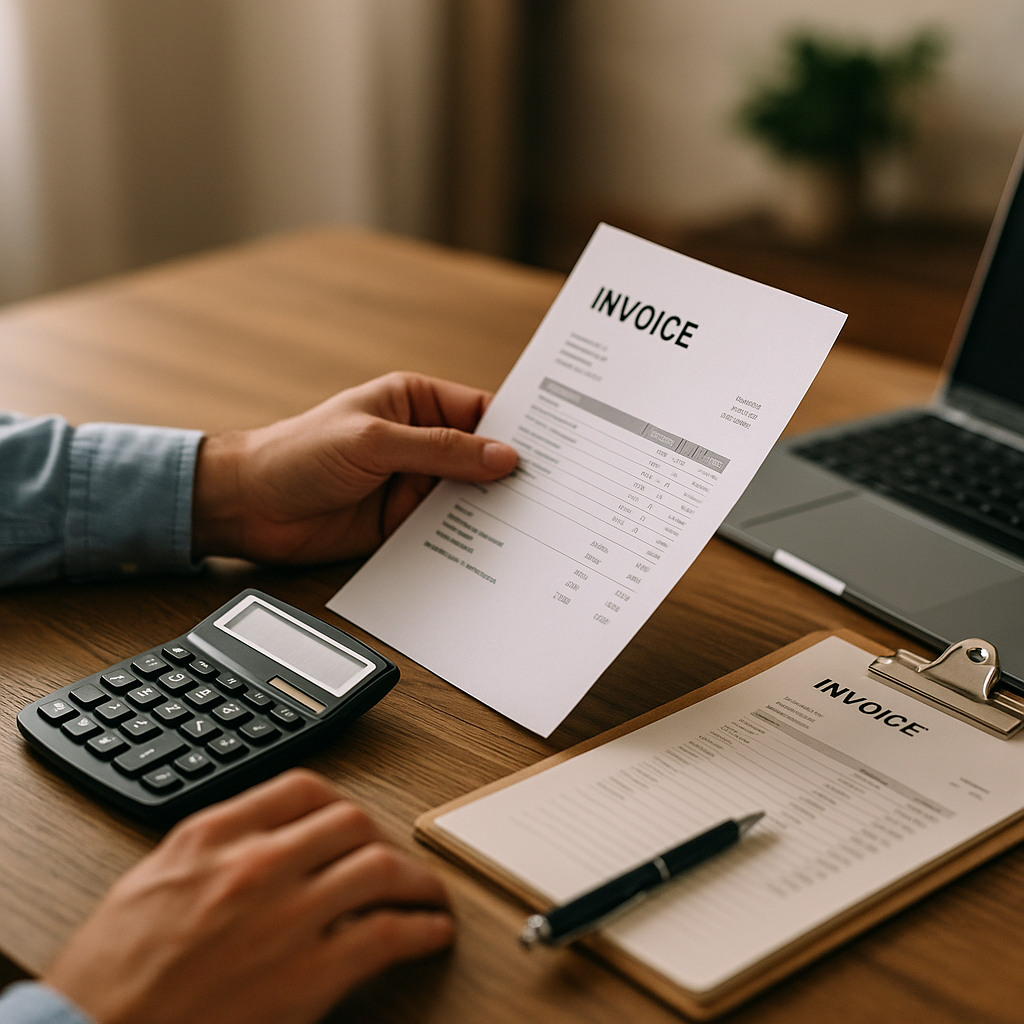
For many small businesses, keeping on top of invoices without full accounting software can feel manageable at first. A few supplier emails, a handful of PDFs and the odd paper invoice may not seem like much. But by May, when spring projects, seasonal orders and maintenance work often increase spending across Essex, invoice admin can quickly become harder to control.
The good news is that you do not always need a complex finance system to stay organised. With a clear process, regular checks and the right digital tools, small businesses can keep track of invoices, avoid late fees and maintain better visibility over cashflow.
Why invoice tracking matters for small businesses
When invoices are stored in different inboxes, folders or filing cabinets, problems tend to appear quietly. A payment may be missed, the same invoice may be logged twice, or a sudden rise in supplier pricing may go unnoticed.
Good invoice tracking helps business owners to:
- know what has arrived and what is still outstanding
- avoid missed payment dates and unnecessary late fees
- support budgeting and cashflow planning
- spot pricing inconsistencies more quickly
- keep records tidy for year-end accounts and tax preparation
- reduce reliance on memory or scattered paperwork
For small firms that do not want the cost or complexity of full accounting software, a simple but reliable routine often makes a significant difference.
A practical way to track invoices without accounting software
If you are wondering how do small businesses keep track of invoices without accounting software, the answer is usually a combination of structured spreadsheets, organised document storage and regular review.
1. Create one central invoice register
Start with a spreadsheet that acts as your master invoice log. This should include:
- supplier name
- invoice number
- invoice date
- due date
- amount due
- VAT amount if applicable
- payment status
- date paid
- notes on any queries or discrepancies
A central register gives you one place to review what is due and what has already been paid. Even a basic spreadsheet can improve financial organisation if it is updated consistently.
2. Store invoices in clearly named folders
Use cloud storage or a secure shared drive to hold invoice copies. Set up folders by month or supplier, and use a consistent file naming format such as:
SupplierName_InvoiceNumber_Date
This makes invoices easier to retrieve if you need to check a price, confirm a payment or prepare records for your accountant.
3. Set reminders for due dates
Without accounting software, payment reminders are essential. Use a calendar, task manager or banking alert to flag due dates a few days in advance. This is one of the simplest ways to avoid late fees and protect supplier relationships.
In busy periods, especially in spring when businesses may be ordering more stock, materials or maintenance services, reminders help ensure nothing slips through the cracks.
How to make a manual process more reliable
A manual invoice process works best when it is not left entirely to memory.
Use a weekly review routine
Set aside 15 to 30 minutes each week to:
- check newly received invoices
- update your spreadsheet
- review anything unpaid
- confirm automated payments due that week
- investigate any missing purchase records or unusual charges
This habit helps prevent an end-of-month backlog and gives a clearer view of short-term cashflow.
Match invoices against what was ordered
Before approving payment, compare the invoice with the original quote, order or agreed supplier pricing. This is especially important for businesses buying materials regularly, as price changes can be easy to miss when volumes increase.
This is where tools like Assured Bills can add value. Rather than relying on a bookkeeper to manually inspect every invoice line, businesses can use AI-powered invoice checking to review supplier invoices more efficiently and flag price issues that may need attention.
If you want to explore the wider support available, you can view our bill management services.
Common weaknesses of spreadsheets alone
Spreadsheets are useful, but they do have limitations. They depend on accurate manual entry, and they do not automatically identify unusual billing patterns.
Some common risks include:
- typing errors in amounts or due dates
- missed invoices sitting in an email inbox
- duplicated payments
- poor visibility across multiple team members
- no easy way to analyse sudden supplier price increases
That does not mean you need a full accounting package straight away. It simply means your process may benefit from specialist support in the areas that matter most, such as invoice checking, bill tracking and payment visibility.
Combining simple tracking with smarter tools
For many business owners, the best approach is not choosing between a spreadsheet and expensive finance software. It is using a practical middle ground.
A simple setup might include:
- a spreadsheet for your invoice register
- secure cloud folders for document storage
- calendar alerts for payment reminders
- online banking for secure payments
- AI invoice checking to highlight pricing changes or billing concerns
This approach supports better budgeting and cashflow planning without overcomplicating day-to-day admin. It can also be particularly useful for growing businesses in Essex that need stronger oversight but are not ready for a large accounting system.
If your team is spending too much time reviewing supplier bills manually, contact Assured Bills to discuss invoice checking support.
A sensible next step for busy business owners
If you have been asking how do small businesses keep track of invoices without accounting software, the key is consistency. A well-maintained spreadsheet, clear document storage, regular reminders and routine invoice reviews can go a long way.
But as invoice volumes grow, manual checking becomes harder to sustain. That is where Assured Bills can help small businesses in Essex and across English-speaking markets stay organised, monitor supplier charges more closely and reduce the time spent checking invoices by hand.
If you want a more reliable way to manage invoice oversight without adding unnecessary complexity, Assured Bills is here to help.