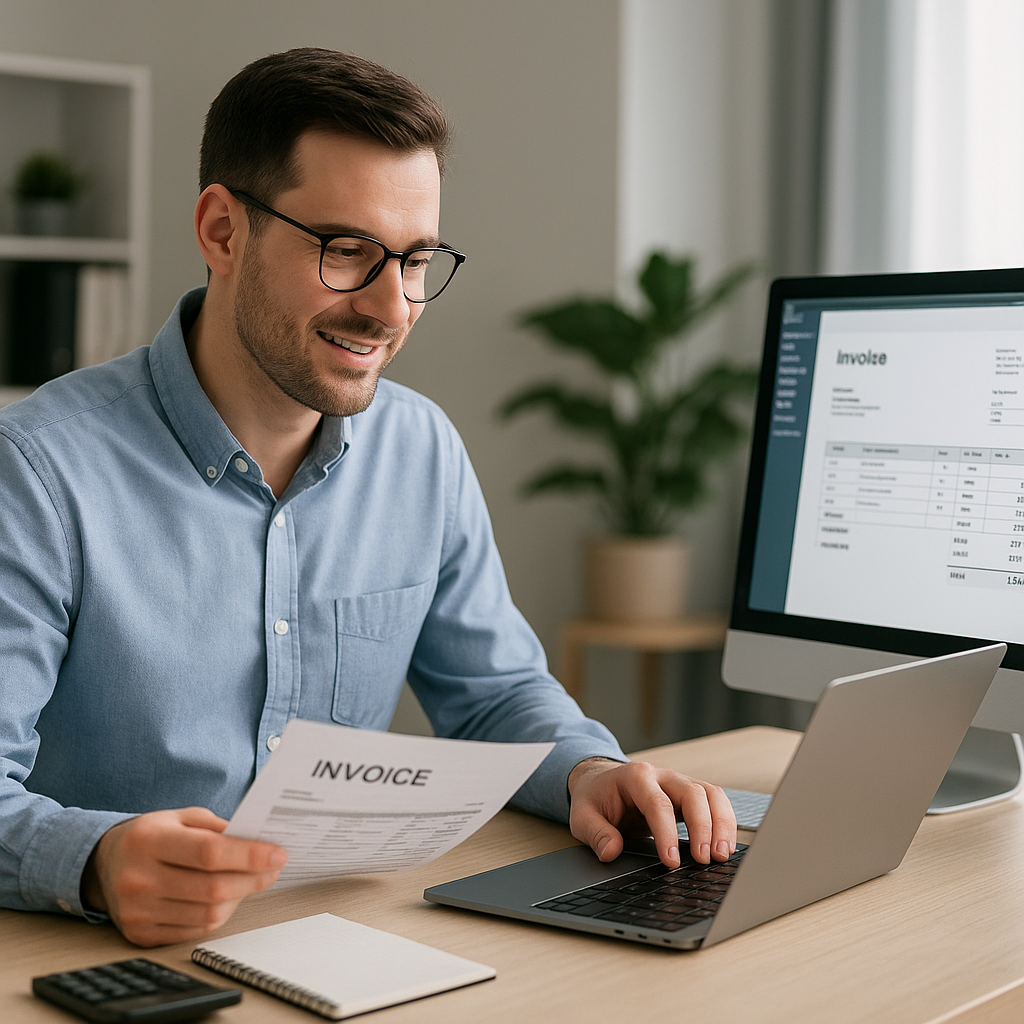
For contractors, invoicing often ends up as one more admin task squeezed in after site visits, supplier calls and client updates. In May, when many Essex businesses are especially busy with repairs, refurbishments and seasonal projects, keeping paperwork simple matters just as much as keeping jobs moving.
So, what is the easiest invoicing software for contractors? In practice, the best option is not simply the one with the most features. It is the one that helps you send invoices quickly, track costs clearly and stay on top of supplier bills without creating extra work.
For many business owners, that means looking for a system that combines straightforward invoicing with reliable bill oversight, payment reminders and cashflow visibility.
What contractors actually need from invoicing software
Contractors usually need more than a basic invoice template. Work can involve multiple suppliers, changing material prices, staged payments and tight margins. A simple system should help you stay organised without taking your attention away from the job.
The easiest tools tend to offer:
- Quick invoice creation from a phone or laptop
- Clear customer records and payment tracking
- Automated payment reminders to reduce chasing
- Secure online payments for convenience
- A simple view of what is owed in and what is due out
- Support for budgeting and cashflow planning
- The ability to track supplier bills alongside sales invoices
If you are spending too much time checking paperwork manually, it may be a sign that ease of use matters more than having a long list of rarely used functions.
Why ease of use matters more than extra features
Many contractors choose software expecting it to solve every admin problem at once. In reality, overly complicated systems can slow things down. If sending one invoice takes several steps, or if supplier bills have to be reviewed separately by hand, the software may add friction rather than remove it.
A simple system should save time every week
The easiest invoicing software for contractors should help you:
- Raise invoices promptly after work is completed
- Keep records tidy for accounting and VAT purposes
- Track overdue payments before they affect cashflow
- Check incoming supplier invoices for unexpected price changes
- Avoid missed due dates and late fees on business bills
That last point is especially important during busy periods. In spring and early summer, many Essex contractors take on extra work. More projects often mean more purchase invoices, more subcontractor costs and more chances for billing errors to slip through unnoticed.
Good invoicing is only part of the picture
Even if your customer invoicing is well organised, profit can still be affected if supplier bills are inaccurate or unclear. Contractors often focus on money coming in, but controlling money going out is just as important.
That is where tools such as Assured Bills can support the wider process. Rather than relying on manual checks or extra bookkeeping time, businesses can use AI to review supplier invoices, flag unusual price increases and make it easier to stay in control of costs.
Features that make invoicing software easier for contractors
When comparing software, focus on practical day-to-day usability. The most helpful platforms usually include a few core features that make life easier straight away.
1. Fast invoice creation
Look for software that lets you duplicate regular invoices, add line items quickly and send professional documents without needing specialist training.
2. Payment reminders and tracking
Late payments can put pressure on cashflow, especially for smaller firms. Automated reminders help you stay professional while reducing the need for awkward follow-ups.
3. Mobile access
Contractors are rarely sat at a desk all day. Being able to raise or review invoices from a mobile device can make a real difference.
4. Bill and cost visibility
The easiest system is one that does not treat invoicing in isolation. Seeing your outgoing supplier invoices and regular business bills in one place supports better financial organisation.
5. Secure integrations
Integrations with banks and payment tools can reduce manual entry and help you keep records accurate. Security should always be taken seriously, especially when handling payment information online.
For businesses that also want stronger oversight of purchase invoices, our bill checking services can help reduce manual effort and improve visibility.
How to choose the right option for your business
There is no single answer that suits every contractor. The easiest invoicing software for contractors will depend on the size of the business, the number of monthly invoices and how much supplier spending needs to be monitored.
A useful way to decide is to ask:
- Can I learn to use it quickly?
- Will it save time each week?
- Does it help me avoid missed payments or late fees?
- Can it support cashflow planning?
- Does it help me track both customer invoices and supplier bills?
- Will it still work as the business grows?
If the answer to most of these is yes, you are probably looking at a practical solution rather than a complicated one.
A smarter approach for busy contractors
For many contractors, the easiest approach is not just invoicing software alone. It is a combination of simple invoicing, automated reminders and better checking of supplier bills behind the scenes.
That joined-up view can help you:
- Keep projects financially organised
- Stay on top of monthly expenses
- Spot pricing issues earlier
- Support more accurate budgeting
- Reduce time spent on admin
In a busy trading period like May, that extra control can be valuable. Whether you are handling more outdoor jobs, property improvements or seasonal maintenance work across Essex, having reliable systems in place helps you stay focused on delivery.
If you would like to improve the way your business tracks and checks supplier invoices, you can learn more about contacting Assured Bills for support. Assured Bills helps businesses take a simpler, more reliable approach to invoice oversight so you can spend less time on admin and more time running your projects.