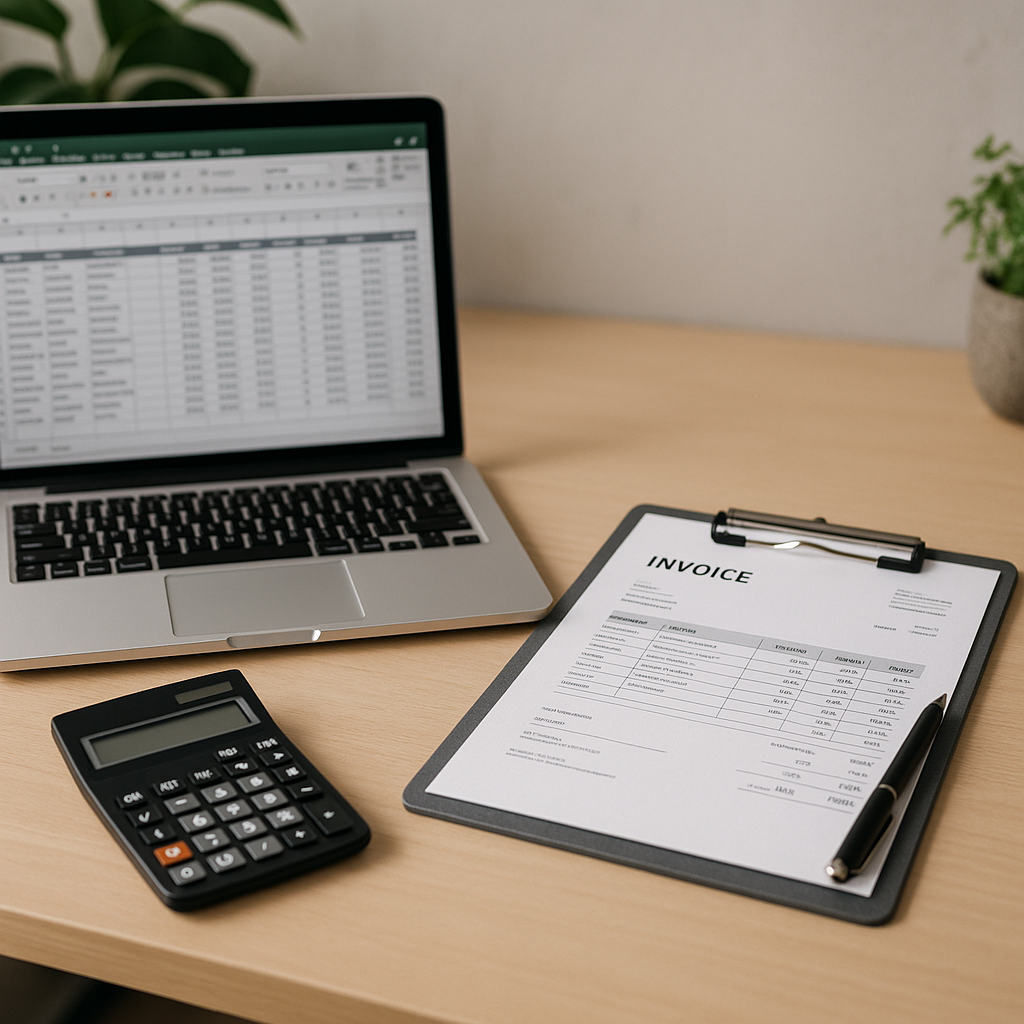
For many small business owners, the first system for managing invoices is a spreadsheet. It is familiar, low-cost and easy to start with. But as a business grows, keeping track of customer invoices, supplier bills, due dates and payment follow-ups in Excel can become time-consuming and risky.
If you are wondering whether to stick with spreadsheets or move to invoicing software, the answer depends on how much time you spend on admin, how many invoices you handle each month and how much visibility you need over your cashflow. In May, when many businesses in Essex are reviewing costs, planning summer work and managing seasonal demand, it is a sensible time to look at whether your current process is still working.
Why Excel works well at the beginning
Excel can be a practical starting point for very small businesses with simple invoicing needs. If you send only a handful of invoices each month and you are comfortable updating records manually, a spreadsheet may feel sufficient.
Benefits of using Excel
- Low upfront cost
- Familiar format for many business owners
- Flexible for creating your own layout
- Useful for basic budgeting and cashflow planning
- Simple to adapt for tracking paid and unpaid invoices
For sole traders or newer businesses, Excel can help you organise basic financial records without committing to a new system straight away.
Where spreadsheets start to cause problems
The challenge with spreadsheets is not getting started. It is staying accurate as your workload increases. Once you are dealing with more customers, supplier invoices, recurring bills and payment deadlines, manual systems often become harder to manage.
Common issues include:
- Missed payment dates that can lead to late fees
- Manual data entry errors
- Difficulty tracking which invoices have been sent, viewed or paid
- Limited reminders for overdue payments
- Reduced visibility over upcoming cash commitments
- Trouble keeping records consistent if more than one person updates the file
This is especially relevant for business owners juggling spring and summer jobs, stock purchases or home improvement-related demand. In Essex, May often brings a busier trading period for many firms, and admin systems that worked in winter may start to feel stretched.
What invoicing software can do better
Invoicing software is designed to reduce manual work and make financial organisation easier. Rather than relying on one spreadsheet that must be updated by hand, a dedicated system can automate routine tasks and give you a clearer view of what is happening.
Key advantages of invoicing software
A good system can help with:
- Creating professional invoices quickly
- Sending automatic payment reminders
- Tracking due dates in real time
- Supporting automated payments where appropriate
- Helping you avoid late fees on outgoing bills
- Improving budgeting and cashflow planning
- Consolidating and tracking business bills in one place
- Providing secure online payments
- Integrating with banks and other financial tools
For many small businesses, the real benefit is not just speed. It is accuracy, consistency and peace of mind.
When Excel is still enough
You may not need full invoicing software yet if:
- You send very few invoices each month
- Your billing structure is straightforward
- You are the only person handling admin
- You already have a reliable routine for reminders and follow-up
- You are not spending too much time updating records manually
In those cases, Excel can still be a useful short-term option. The key is to be honest about whether it is genuinely saving money or quietly costing you time.
Signs it is time to move on from spreadsheets
If any of these sound familiar, software may be the better fit:
You are spending too long on admin
If invoicing, payment chasing and updating spreadsheets are taking hours each week, automation can free up valuable time.
You need clearer cashflow visibility
Knowing what is due in, what is due out and when payments are expected is essential for good decision-making.
You want fewer mistakes
Manual systems depend on consistent input. As volume grows, so does the chance of errors.
You want better control over supplier costs
Many businesses focus only on sales invoices, but outgoing supplier bills matter just as much. Having a system that helps track, review and manage them can support stronger cost control.
That is where tools from Assured Bills can add value. If your business needs better oversight of incoming supplier invoices and billing accuracy, our invoice checking and bill management services are designed to help reduce manual review and improve visibility.
A practical way to decide
Before changing systems, ask yourself these five questions:
- How many invoices and bills do I process each month?
- How often do I miss or nearly miss payment deadlines?
- How much time do I spend checking figures manually?
- Do I have a clear view of my short-term cashflow?
- Would reminders, automation and secure payment tracking make life easier?
If your current spreadsheet setup still handles these well, there may be no immediate need to switch. But if the cracks are starting to show, moving to software could help you stay organised as the business grows.
Choosing the right setup for your business
There is no single answer for every small business. Excel is often enough at the very beginning, but invoicing software becomes more useful once admin grows more complex. What matters most is choosing a system that helps you stay on top of payments, maintain accurate records and plan cashflow with confidence.
For businesses that also want stronger control over supplier billing, automation can make a real difference. Assured Bills supports business owners with smarter invoice checking and easier bill management, helping reduce the burden of manual processes. If you would like to explore a more efficient setup, you can learn more about our business bill management support and speak to our team.