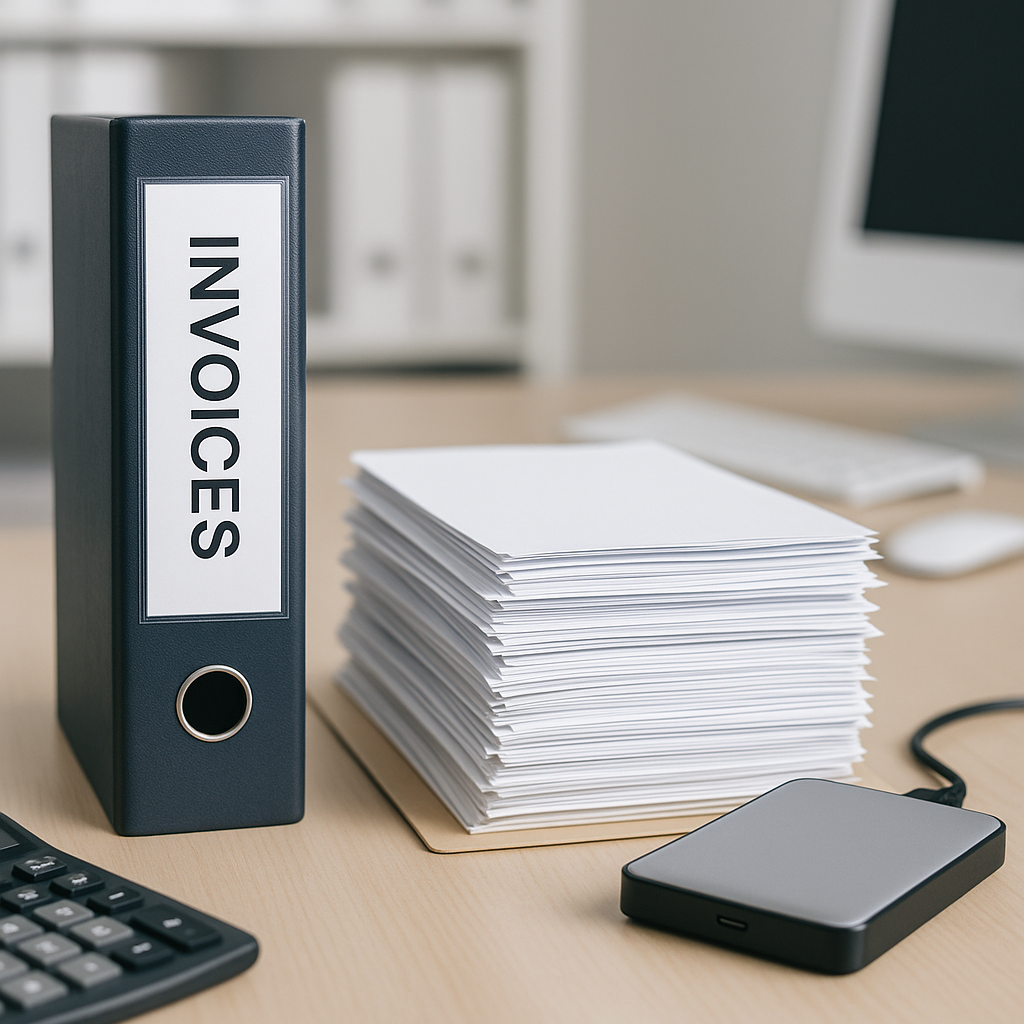
For many UK business owners, invoice storage is one of those jobs that feels simple until something goes wrong. A missing supplier invoice, a duplicated payment record, or a lost file during staff holiday cover can quickly turn into wasted time and unnecessary stress. In summer, when teams are often working around annual leave and juggling seasonal costs, having a reliable system matters even more.
The best way to store and back up invoices is to use a secure digital process with clear folder structures, regular backups, and controlled access. Done properly, this helps you stay organised, supports cashflow planning, and makes it easier to check whether supplier charges still look fair.
Why invoice storage matters more than many businesses realise
Invoices are not just paperwork. They are part of your financial record, your budgeting process, and your protection if a query comes up later.
A good invoice storage system helps you:
- find documents quickly when needed
- support bookkeeping and end-of-year account preparation
- reduce the risk of paying the wrong amount
- keep track of recurring supplier costs
- maintain continuity during staff absence or holiday cover
- store records more securely than scattered email inboxes or desktops
For businesses dealing with regular supplier bills, proper storage also makes it much easier to compare current invoices against previous ones. That matters in June, when higher cooling costs, outdoor works and seasonal staffing changes can all affect spending patterns.
The best way to store invoices digitally
Paper files and ad hoc email folders can work for a short time, but they often become hard to manage as a business grows. A digital-first system is usually the most practical option.
1. Keep all invoices in one central place
Avoid storing some invoices in email, some on a laptop and others in paper folders. A central system gives better visibility and helps everyone follow the same process.
Your storage setup should ideally include:
- a main invoice folder by financial year
- subfolders for each supplier or month
- a consistent file naming format
- restricted access for relevant team members only
For example, a clear file name might be:
SupplierName_InvoiceNumber_2026-06-13_Amount
This makes searching far easier than vague names such as “invoice final” or “June bill”.
2. Save invoices in a non-editable format
PDF is normally the safest choice for stored invoices because it preserves the original layout and reduces the risk of accidental changes. If invoices arrive in other formats, convert and save a copy in PDF where appropriate.
3. Separate incoming invoices from approved invoices
This small step can prevent confusion. If everything sits in one folder, it is easier to miss whether an invoice has been checked, queried or approved for payment.
A simple structure could be:
- Received
- Under review
- Approved
- Paid
- Archived
This also supports better financial organisation and helps businesses avoid late fees caused by misplaced paperwork.
How to back up invoices properly
Storing invoices is only half the job. Backing them up correctly is what protects your business if a device fails, a file is deleted, or access is disrupted.
Use the 3-2-1 backup approach
A sensible rule is the 3-2-1 method:
- keep 3 copies of your files
- store them on 2 different types of storage
- keep 1 copy off-site or in secure cloud storage
For example, you might have:
- the main invoice file in your cloud system
- a backup on a secure office server or encrypted drive
- an additional protected off-site backup
This approach gives a stronger safety net than relying on one computer or one member of staff’s inbox.
Automate backups where possible
Manual backups are easy to forget, especially during busy periods. Automated backups are far more reliable and can quietly run in the background.
When reviewing your process, check:
- how often backups run
- whether old versions of files are retained
- who receives alerts if a backup fails
- whether files can be restored quickly
This is particularly helpful for small businesses trying to stay on top of monthly expenses without adding more admin.
Security and access control are essential
Invoice files contain commercially sensitive information, so security should never be treated as an afterthought.
A secure setup should include:
- password-protected systems
- role-based access permissions
- multi-factor authentication where available
- encrypted storage and transfer methods
- a clear process for removing access when staff leave
It is also wise to avoid sending invoice copies across multiple personal email accounts. A secure, shared system is usually safer and easier to manage.
If your business wants a more streamlined process around supplier bill checking and financial organisation, you can explore our services for automated bill management. A structured system can reduce manual handling and improve visibility across regular supplier costs.
Common mistakes to avoid
Even businesses with good intentions can fall into habits that create risk later on. Watch out for these common issues:
- relying only on email folders as storage
- using inconsistent file names
- giving too many people editing access
- failing to test backups
- mixing personal and business document storage
- keeping no clear trail from receipt to payment
These problems often only become obvious when an invoice is needed urgently or a supplier query arises.
Make storage useful, not just tidy
The best invoice storage system does more than hold documents. It should help you make better day-to-day decisions.
When invoices are stored clearly and backed up properly, you can:
- review spending trends more easily
- support budgeting and cashflow planning
- compare repeat supplier charges over time
- prepare faster for accountant queries
- reduce disruption during holiday periods
That is especially valuable in summer, when costs can shift and internal cover arrangements may mean different team members need quick access to records.
For businesses looking to improve control over supplier invoice checks as well as storage, contact Assured Bills to discuss a practical, secure approach.
Final thought
The best way to store and back up invoices is with a central digital system, consistent naming, secure permissions and automated backups. It is a straightforward step that can save time, reduce risk and make monthly bill management far easier.
Assured Bills helps businesses bring more control to supplier invoice handling, so if you want a simpler and more reliable way to manage invoice records, now is a good time to review your process.