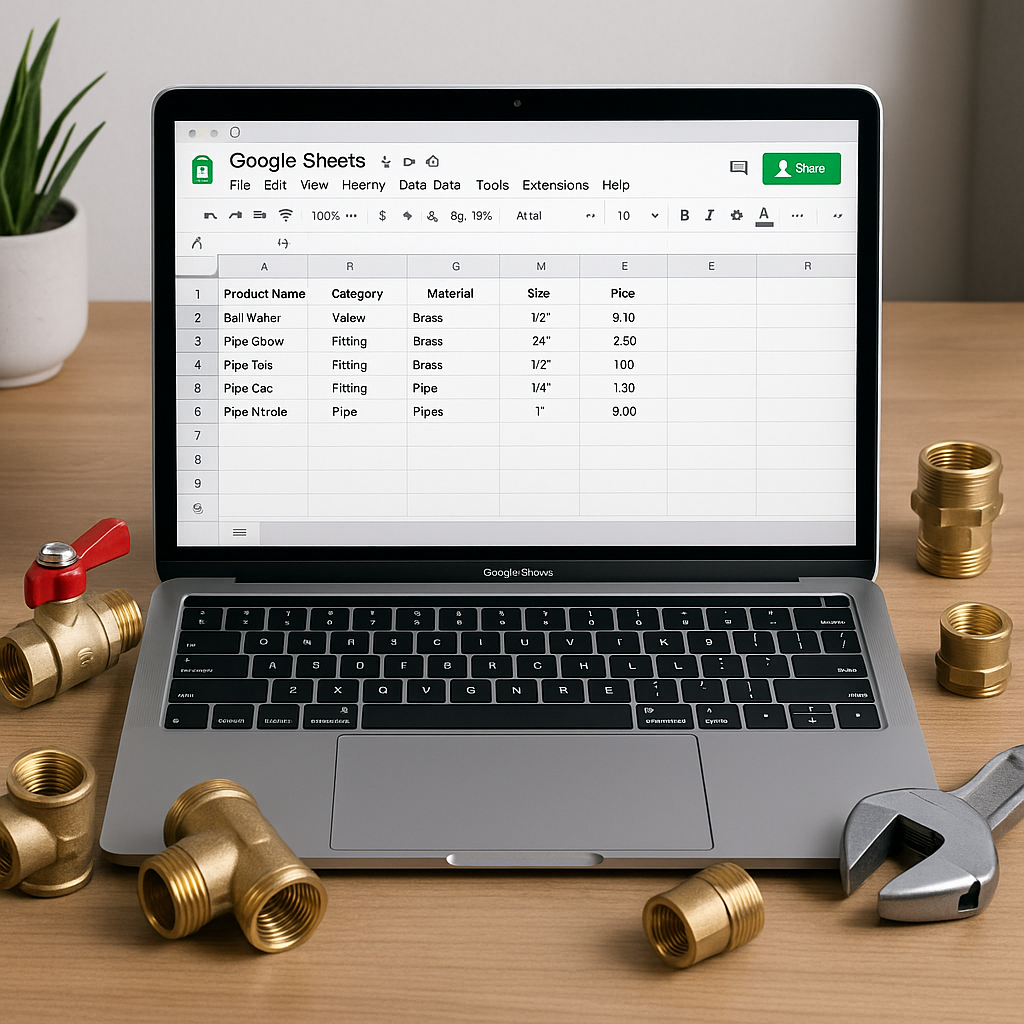
If your team updates product prices in more than one place, mistakes creep in fast. One engineer uses an old material cost, the office quotes from a different list, and suddenly your margins are tighter than they should be.
That is why many UK trade businesses use Google Sheets as their central product database. It is flexible, familiar, and easy to share across the office. For ServiceM8 users, it can also become the one place where material prices, product codes, supplier details and mark-up rules are managed before being pushed into your job workflow.
As autumn arrives in the UK, this matters even more for plumbing and heating firms. September often brings a rush of boiler work, heating repairs and winter preparation jobs. If your prices are outdated when workload picks up, small errors can add up quickly.
What a central product database actually means
A central product database is simply one trusted file where your business keeps product information up to date.
Instead of editing items in multiple systems, you maintain one master list and treat it as your source of truth. That means your office team, estimators and engineers are all working from the same information.
For most small and medium trade businesses, Google Sheets works well because it is:
- easy to edit
- accessible from anywhere
- simple to share with the right people
- flexible enough for thousands of items
- familiar to teams who do not want a complicated system
If you already use ServiceM8, Google Sheets can sit alongside it as the place where product data is maintained properly before updates are reflected in your inventory.
What to include in your Google Sheet
The best product databases are simple, consistent and easy to maintain. You do not need dozens of columns. You need the right ones.
Start with the essentials
A practical sheet for a plumbing, heating or wider trade business should usually include:
- product code or SKU
- product name
- category
- supplier name
- supplier cost
- selling price
- VAT treatment, if relevant to your setup
- unit of measure
- last updated date
- notes
- ServiceM8 item reference, if used
These fields help you compare supplier changes, update selling prices properly and avoid confusion when similar items exist.
Keep your formatting consistent
Consistency matters more than clever formulas. If one row says "22mm Copper Elbow" and another says "Copper Elbow 22 mm", you make duplicates and matching problems more likely.
Set a few basic rules:
- Use one naming style for all items.
- Keep product codes in one standard format.
- Use one category structure across the whole sheet.
- Enter prices as numbers only, not with extra symbols in the cell.
- Record when each item was last reviewed.
This is especially useful when you are handling seasonal demand in September and October, when heating materials and common plumbing parts move quickly.
How to structure the sheet so it stays usable
Many businesses start well, then the sheet becomes messy after a few months. The fix is structure.
Use separate tabs for clear jobs
A good setup might include:
- Master product list for all live items
- Supplier imports for raw data copied from merchants or manufacturers
- Price review tab for comparing old and new costs
- Archive tab for discontinued or unused items
This keeps your main list clean while still giving you space to review changes safely.
Add simple checks to reduce mistakes
Google Sheets has useful built-in features that do not require technical knowledge.
Try using:
- data validation for categories or suppliers
- conditional formatting to highlight blank product codes or unusual prices
- filters so you can review one supplier or category at a time
- protected ranges so only the right people can edit key columns
These small controls help prevent office admin errors before they affect quotes and jobs.
How Google Sheets helps ServiceM8 users
ServiceM8 is great for running jobs, invoicing and managing day-to-day operations. But many businesses do not want to maintain large product lists directly inside it as their only pricing system.
That is where Google Sheets can do the heavy lifting.
By keeping your product data in one central sheet, you can:
- review supplier increases before they go live
- compare old and new material costs
- apply pricing rules consistently
- keep a clearer audit trail of changes
- reduce the risk of different people editing prices in different places
For ServiceM8 users, this approach is often easier to manage than treating your live inventory as the master record.
MaterialM8 is built around that practical way of working. If you want Google Sheets to act as your central source for product data while supporting your ServiceM8 setup, Materialm8 is designed for exactly that kind of process.
Common mistakes to avoid
Even a good sheet can cause problems if it is not managed properly. Watch out for these common issues:
Too many people editing the same fields
If everyone can change names, prices and codes, your database will drift. Give edit access carefully and decide who owns pricing decisions.
No clear review routine
Your sheet is only useful if it stays current. Set a regular review habit, especially before busy winter periods when plumbing and heating firms across the UK often see increased demand.
Mixing live items with old ones
Do not leave discontinued products sitting in the main list with active stock. Archive them properly so your team does not pick the wrong line when quoting.
A simple process you can follow
If you want to set this up without overcomplicating it, use this approach:
- Export or gather your current product list.
- Create one Google Sheet with standard columns.
- Clean up names, codes and duplicate entries.
- Separate active items from archived ones.
- Add review dates and supplier details.
- Decide who can edit what.
- Use the sheet as your single source of truth going forward.
This gives your business one reliable place for product information, which is exactly what growing trade firms need when prices change regularly.
If you want a simpler way to connect that process with ServiceM8, take a look at Materialm8. It is built for ServiceM8 users who want cleaner price management, fewer mistakes and better control over material data. You can also start from the Materialm8 homepage to see how the system fits your current workflow.