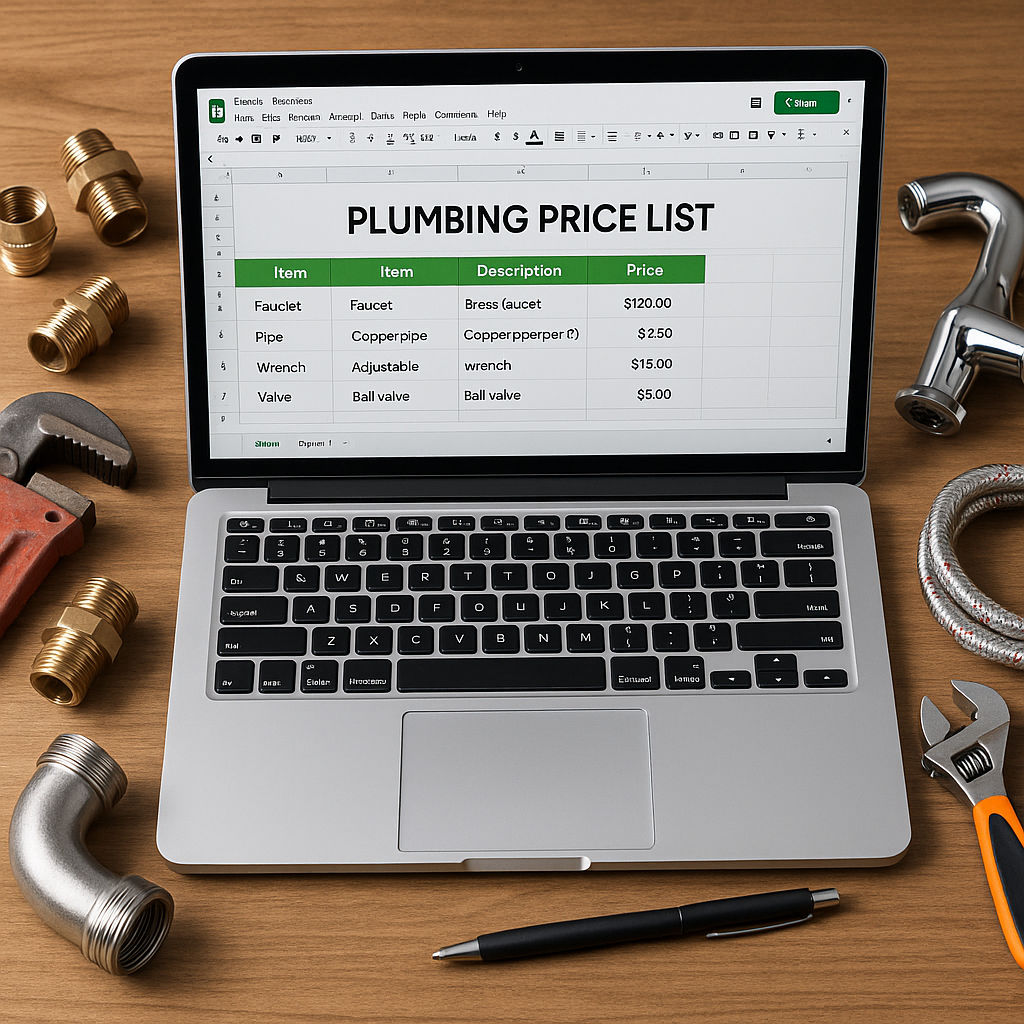
If you run a plumbing, heating, electrical or air conditioning business, your price list needs to be easy to update, simple to check and clear enough for the whole team to use. That matters even more in September, when many UK trade firms are reviewing stock, quotes and supplier pricing before the colder months get properly busy.
A good Google Sheets price list template for tradespeople gives you one place to manage material costs, selling prices and product codes without relying on scattered spreadsheets or memory. It also helps when you need to keep ServiceM8 pricing accurate across office staff and engineers.
In this guide, we will look at what a practical template should include, how to set it up, and how to make sure it actually works in day-to-day trade admin.
Why a proper price list template matters
Many growing trade businesses start with a basic spreadsheet. That is normal. The problem comes later, when:
- supplier costs change
- different team members edit different versions
- engineers use old prices
- item names are inconsistent
- quotes and invoices stop matching your latest material costs
For UK tradespeople, small pricing errors can quietly chip away at margins over dozens or hundreds of jobs. A clear template gives you one source of truth, which is especially useful before autumn and winter demand picks up for plumbing and heating firms.
What to include in your Google Sheets template
Your template does not need to be complicated. In most cases, it should be built around the information you actually use when pricing jobs and updating ServiceM8.
Core columns to start with
A solid template usually includes:
- Product code or SKU
- Product name
- Category
- Supplier
- Unit cost
- Selling price
- Markup percentage
- VAT status
- Last updated date
- Notes
- Active or inactive status
This layout makes it much easier to compare old and new supplier prices, spot missing details and prepare for a ServiceM8 inventory update.
Useful extra fields for growing firms
If your business handles a larger inventory, you may also want to add:
- supplier part number
- brand or manufacturer
- pack size
- standard labour-linked notes
- preferred item name for ServiceM8
- duplicate check flag
These extra columns help when you are managing thousands of material lines and trying to keep naming consistent across the business.
How to make the template easier to use
A spreadsheet only helps if people actually trust it and use it correctly. The best templates are not just tidy, they are practical.
Keep formatting simple and consistent
Use clear headings, freeze the top row, and keep date and currency formatting the same throughout the sheet. Avoid adding too many colours or clever formulas if your office team will find them hard to maintain.
It is also worth creating simple validation rules, for example:
- drop-down lists for categories
- yes or no options for active items
- fixed formatting for product codes
- protected columns for formulas
This reduces accidental edits and helps your sheet stay usable as your inventory grows.
Separate raw supplier data from your working price list
One of the most common mistakes is pasting supplier prices directly into the main sheet without any structure. A better approach is to use separate tabs:
Recommended tab structure
- Master Price List for your live working data
- Supplier Import for raw supplier updates
- Change Check for comparing old and new costs
- Archive for previous versions
This keeps your main list cleaner and makes it easier to review changes before they affect your live pricing.
Common mistakes to avoid
A template can still create problems if it is not managed properly. Watch out for these issues:
1. Mixing naming styles
If one item says “22mm copper elbow” and another says “Copper Elbow 22mm”, duplicates become more likely. Consistency matters.
2. Missing update dates
If there is no last updated field, nobody knows whether a price is current.
3. No clear owner
Someone in the business should be responsible for reviewing supplier changes and approving updates.
4. Too many versions
If your team uses emailed spreadsheets or downloaded copies, errors creep in quickly. Google Sheets works well because everyone can access the same live file.
How this helps with ServiceM8
For many trade businesses, Google Sheets works best as the place where material pricing is maintained, while ServiceM8 is where those prices need to appear correctly for quoting and invoicing.
That is why a clean template matters. If your sheet is inconsistent, outdated or full of duplicates, those same problems can carry over into ServiceM8.
A well-structured sheet helps you:
- prepare cleaner data before syncing or importing
- keep item names consistent
- review price changes before they go live
- reduce the risk of duplicate inventory items
- give office staff and engineers the same pricing reference
If you want to understand the wider approach, you can start with Materialm8, which is built for ServiceM8 users who want better control over inventory pricing and updates.
A practical setup for September and beyond
Autumn is a good time to tighten up your price list. Plumbing and heating businesses across the UK often head into a busier period with more boiler work, reactive repairs and larger quoting volumes. If your material prices are messy now, the problem usually gets worse when the workload increases.
A sensible seasonal checklist is:
- review your top 100 most-used materials
- check recent supplier changes
- remove or flag old items
- standardise naming before winter demand rises
- make sure your office team is using one shared sheet
This does not need to be a huge project. Even a simple template, used consistently, can make pricing admin much easier.
For more background on the software side, visit the Materialm8 homepage to see how ServiceM8 users manage price updates more cleanly.
Final thoughts
A good Google Sheets price list template for tradespeople is not about building the fanciest spreadsheet. It is about making pricing easier to manage, easier to review and harder to get wrong.
For ServiceM8 users, the real value is having one reliable place to maintain your material data before it reaches quotes, invoices and jobs. That helps protect margins, reduce confusion and save admin time when business gets busy.
If you want a simpler way to connect your spreadsheet process with ServiceM8, take a look at Materialm8. It is designed for UK trade businesses that want a cleaner way to manage pricing without overcomplicating their workflow.