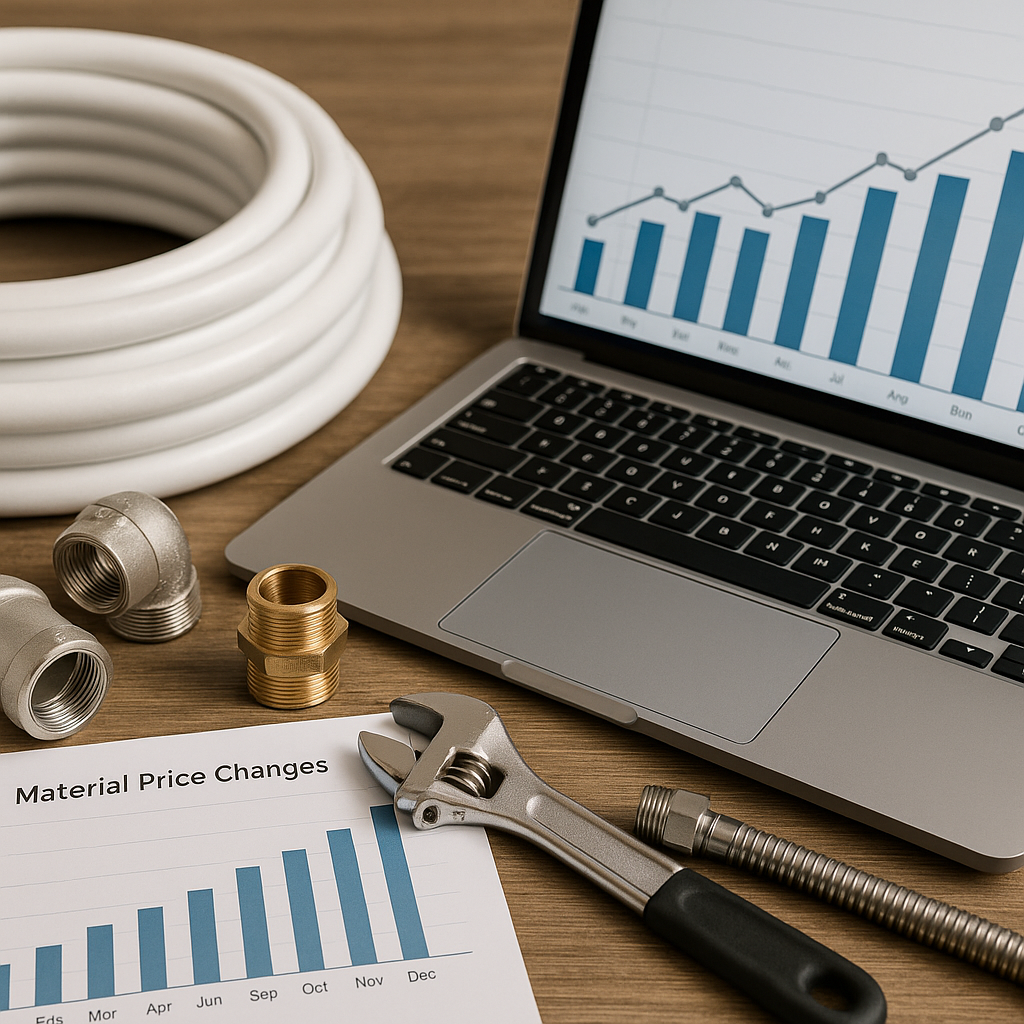
If you run a plumbing or heating business in the UK, keeping an eye on material costs is not just admin. It has a direct impact on your quotes, invoices and job margins.
In September, many trade firms are getting ready for a busier autumn and winter period. Boilers, heating controls, copper, valves and consumables all start moving faster. If your pricing data is old, it becomes much easier to underquote work just as demand picks up.
That is why learning how to track material price changes over time matters. It helps you spot increases early, update selling prices with confidence and keep everyone in the business working from the same numbers.
Why tracking price changes matters
Material prices rarely stay still for long. Even small changes can add up across dozens or hundreds of jobs.
For example, if the cost of a common heating component rises by a small amount, that might not seem like a big issue on one job. Across a full month of call-outs, installs and repairs, though, the lost margin can become significant.
Tracking price history helps you:
- see which items are becoming more expensive
- understand whether price rises are one-off or ongoing
- adjust your selling prices before margins get squeezed
- reduce guesswork when quoting repeat work
- give office staff and engineers one clear source of truth
For ServiceM8 users, this is especially useful when you rely on inventory items to build quotes and invoices quickly.
What data should you track?
You do not need a complicated system to begin. In most cases, a simple spreadsheet with a few consistent columns is enough.
Start with the essentials
Track these fields for each item:
- product name
- supplier name
- supplier code or SKU
- date of price update
- old cost price
- new cost price
- selling price
- notes, if needed
This gives you a clear record of what changed, when it changed and how it affects your pricing.
Add context for high-use items
For commonly used plumbing and heating materials, it helps to add:
- product category, such as copper fittings, valves or boiler spares
- unit size or pack quantity
- engineer usage volume
- preferred supplier
That extra context makes it easier to analyse trends later, especially if you buy similar products from different merchants.
A simple way to track material price changes over time
The easiest approach is to keep one master sheet and update it every time a supplier price list changes.
Instead of overwriting prices with no record, log the new cost alongside the previous one. This creates a basic price history that you can review at any point.
A practical setup looks like this:
- Keep one central list of all active materials.
- Record the latest cost price and selling price.
- Add a separate history tab for changes.
- Enter the date every time a cost changes.
- Review the biggest changes each month.
This is often enough for small and medium trade businesses. The key is consistency. A basic system used properly is far more useful than a perfect system no one keeps updated.
How to use price history in day-to-day decisions
Tracking cost changes is only useful if it helps you make better decisions.
Quoting new work
Before sending larger quotes, check whether key materials have changed in price recently. This is particularly important in autumn, when heating work starts increasing across the UK and stock demand can affect availability and pricing.
If you can see that a product has risen twice in the last three months, that is a good sign your current selling price may need reviewing.
Reviewing margins
Price history makes it easier to identify which items are quietly reducing your profit. You may find that most of your margin loss is coming from a small group of commonly used parts, not big-ticket items.
Talking to suppliers
A clear price record can also help when speaking with merchants. If you can see a pattern of repeated increases on certain lines, you are in a better position to ask questions, compare alternatives or negotiate where appropriate.
Common mistakes to avoid
Many businesses try to track prices, but the process falls apart because it is inconsistent or unclear.
Watch out for these common issues:
- updating prices without recording the old value
- using different names for the same product
- mixing supplier codes and internal names randomly
- keeping separate price lists across the office and engineers
- waiting too long to review changes
These mistakes create confusion and increase the chance of old prices staying live in ServiceM8.
Where ServiceM8 fits in
ServiceM8 is excellent for using inventory items in real jobs, quotes and invoices. But many growing trade businesses find it easier to monitor price movement over time in a spreadsheet first, then push approved updates into their working system.
That approach gives you more control over review and reporting, while keeping ServiceM8 tidy for day-to-day use.
If you are looking at ways to simplify this process, Materialm8 is built to help ServiceM8 users manage pricing updates more efficiently. You can also start by reviewing Materialm8 to understand how the platform supports cleaner inventory management and more reliable updates.
Build a routine before winter gets busy
September is a good time to put this process in place. Once colder weather arrives, plumbing and heating businesses often have less time for back-office cleanup. A simple tracking routine now can save a lot of reactive work later.
A good habit is to:
- review supplier price changes monthly
- check fast-moving items more often
- update selling prices after meaningful cost changes
- keep one approved list for the whole team
This does not need to be complicated. It just needs to be regular.
Final thoughts
Learning how to track material price changes over time is one of the simplest ways to improve pricing control in a trade business. It helps you protect margins, reduce quoting errors and stay prepared when supplier costs move.
For UK ServiceM8 users, the goal is simple. Keep one reliable source of pricing data, review changes consistently and make sure the numbers your team uses are current.
If you want an easier way to connect your price list and ServiceM8 workflow, visit Materialm8 to see how it can support your business.