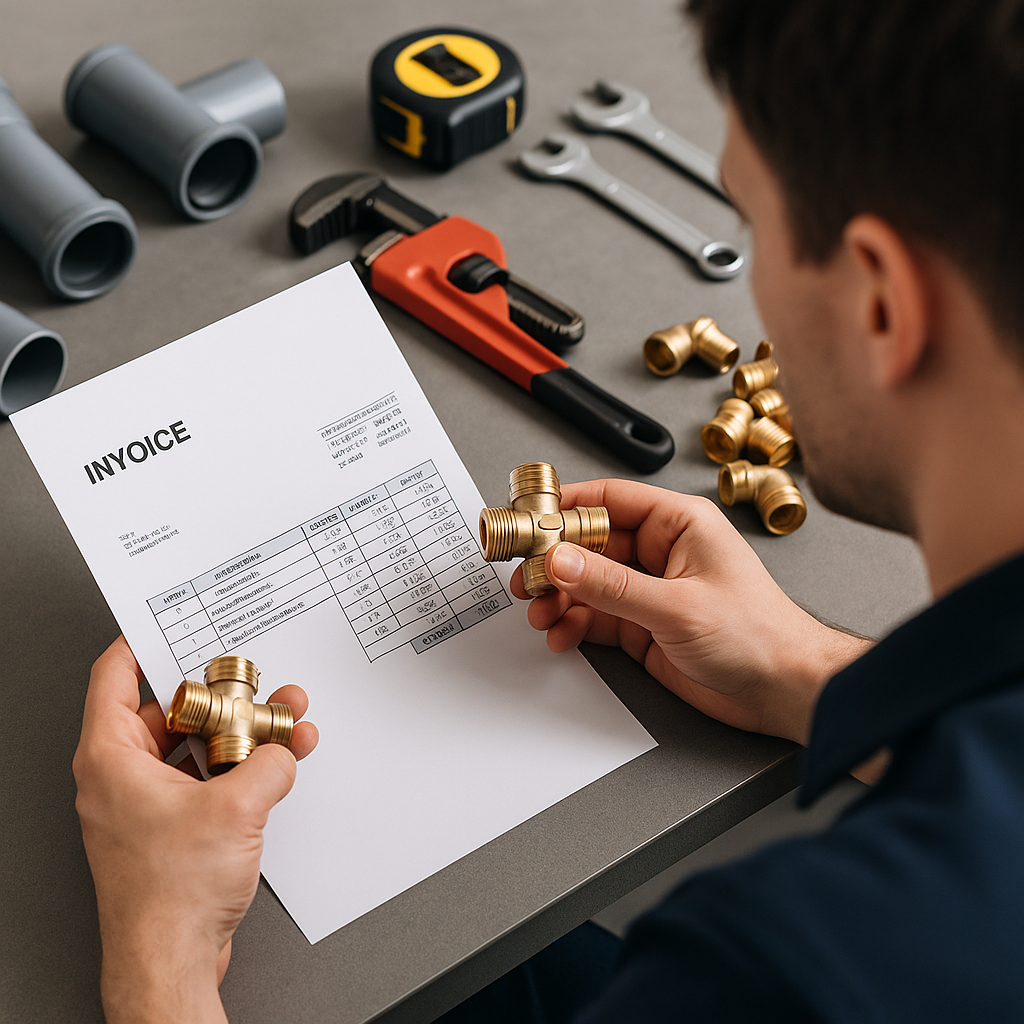
If your engineers are selecting different prices for the same material, the problem is rarely carelessness. In most trade businesses, it happens because pricing lives in too many places at once. One person updates a spreadsheet, someone else changes a few items in ServiceM8, and engineers keep using whatever appears on their device.
For UK plumbing, heating and other service businesses, this gets even more important in autumn. October is often a busy period, with more heating call-outs, boiler work and urgent repairs being booked in before winter fully arrives. When job volume goes up, small pricing mistakes are more likely to slip through.
The good news is that preventing engineers using the wrong material price is usually about tightening up your process, not making work harder. With a few practical changes, you can reduce confusion, protect margins and keep your ServiceM8 inventory more reliable.
Why engineers end up using the wrong price
In most cases, the issue starts in the office, not on site. Engineers can only choose from the information they see.
Common causes include:
- duplicate inventory items with slightly different prices
- old items still sitting in ServiceM8 after newer versions were added
- supplier price changes updated in one place but not another
- engineers relying on memory or old favourites instead of a current list
- inconsistent item names, codes or descriptions
- no clear source of truth for material pricing
If your team has ever had three versions of the same valve, fitting or pump in ServiceM8, you will know how easy it is for the wrong one to be selected during a busy day.
Start with one source of truth
The simplest way to prevent engineers using the wrong material price is to make sure your business has one agreed master list.
That means one place where material names, codes, cost prices and selling prices are maintained properly. For many ServiceM8 users, that central list is easier to manage in Google Sheets, then sync into ServiceM8 in a controlled way.
If you let prices be updated in multiple places, disagreements are almost guaranteed. The office may think one price is current, while engineers see something different on jobs.
What your master list should include
Your core price list should be consistent and easy to maintain. At minimum, include:
- product code or SKU
- clear item name
- supplier name, if useful
- unit cost
- selling price
- VAT treatment, where relevant
- status, such as active or obsolete
This gives everyone the same reference point. It also makes it much easier to spot outdated or duplicated lines before they create problems in the field.
Clean up your ServiceM8 inventory
If your inventory is messy, even good engineers will pick the wrong line item.
A clean ServiceM8 setup should make the correct item the obvious choice. That means removing clutter and reducing the chance of near-identical duplicates appearing in search results.
Focus on these checks
Review your inventory for:
- duplicated products with different spellings
- old supplier codes that are no longer used
- inactive items that should be archived or removed from day-to-day use
- vague names such as “valve 15mm” when several versions exist
- missing product codes that make matching harder
This matters a lot for plumbing and heating firms carrying thousands of materials across maintenance, reactive repairs and installation work. If engineers have to guess which item is right, eventually they will guess wrong.
Make the correct price easier to use
The best pricing process is the one your engineers do not have to think about.
Instead of expecting the team to remember current prices, build a system where the latest approved price is already in ServiceM8 and ready to use. That reduces manual decision-making on site and cuts down on office corrections afterwards.
Practical ways to do this include:
- using standard item names across the whole business
- keeping old items out of active use
- updating price changes in batches, rather than one by one
- syncing from a master sheet on a regular schedule
- previewing changes before they go live
For ServiceM8 users, this is where a tool like Materialm8 can help. MaterialM8 is designed to keep your Google Sheet and ServiceM8 inventory aligned, which makes it easier to keep engineers working from the same current pricing data.
Train the process, not just the people
It is easy to respond to pricing mistakes by reminding engineers to be more careful. Sometimes that helps, but it does not fix the root cause.
A better approach is to make the expected process very clear.
For example:
- engineers only select materials from the approved ServiceM8 inventory
- office staff do not create quick duplicate items unless they follow naming rules
- supplier price updates are reviewed in the master list first
- changes are checked before syncing into live inventory
When everyone follows the same process, pricing becomes far more consistent across office staff and field teams.
Review high-risk items before winter demand peaks
October is a smart time to check the materials most likely to be used over the colder months in the UK. Heating components, controls, valves, pumps and common repair parts often appear on a high volume of jobs. If any of those prices are wrong, the impact can spread quickly.
A short seasonal review can help you:
- confirm your most-used winter materials have current prices
- remove duplicates for common heating items
- check engineers are seeing the right active products in ServiceM8
- reduce pricing issues during your busiest period
You do not need to audit every single item at once. Start with your highest-volume materials and the lines most likely to affect margins.
Build a system that scales
As your trade business grows, the risk of engineers using the wrong material price usually increases. More engineers, more jobs and more inventory all create more room for inconsistency.
That is why good price control should be built into your workflow early. A tidy inventory, one central price list and a reliable sync process will usually do more than constant manual checking.
If you want a simpler way to keep ServiceM8 pricing accurate and consistent, take a look at Materialm8. It can help your office team keep inventory cleaner, reduce duplicate item issues and make sure engineers are working from up-to-date material prices.