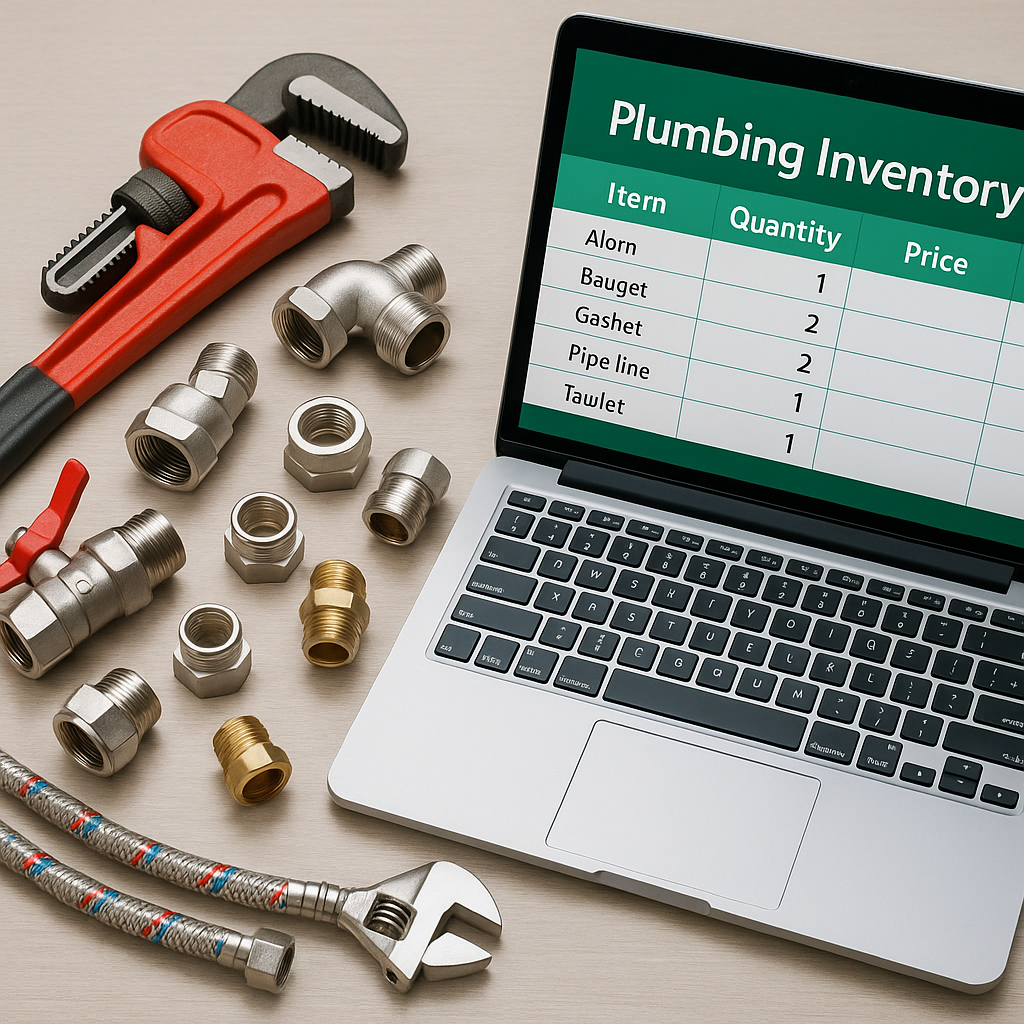
If you use ServiceM8 to quote jobs, invoice materials, or manage stock, keeping your inventory prices current matters more than most trade businesses realise. For plumbing and heating companies across the UK, outdated material prices can quietly eat into margins, create awkward price disputes, and leave office staff wasting hours on manual updates.
In August, this becomes even more relevant. Summer is often when businesses catch up on admin, cover holidays, and prepare for a busier autumn. It is also a time when supplier price changes can slip through the cracks because the team is stretched. If your price list lives partly in emails, partly in spreadsheets, and partly in ServiceM8, mistakes are almost guaranteed.
This guide explains a practical way to keep your ServiceM8 inventory prices up to date without turning it into a never-ending admin task.
Why accurate ServiceM8 prices matter
When your ServiceM8 inventory is out of date, the impact is not just a few pennies here and there. Small pricing errors across dozens or hundreds of jobs can add up quickly.
Common problems include:
- quoting jobs with old material costs
- undercharging on reactive work
- engineers using different prices from the office team
- duplicate items with different sell prices
- poor visibility over true markup and margin
- extra admin every time a supplier sends a new list
For plumbers, heating engineers, and other ServiceM8 users, accurate pricing helps protect job margins and keeps everyone working from the same numbers.
Start with one master price list
The simplest way to stay on top of pricing is to create one source of truth. In practice, that usually means keeping a single master price list in Google Sheets or another spreadsheet, then pushing approved updates into ServiceM8.
This approach works well because spreadsheets are flexible, familiar, and easy to review before changes go live.
What your master list should include
At a minimum, each item should have:
- product name
- SKU or supplier code
- category
- cost price
- sell price
- VAT treatment if needed
- status, such as active or inactive
If you run a plumbing business with thousands of items, standardising naming and product codes is essential. Without that, duplicate inventory items in ServiceM8 become much harder to spot.
Why spreadsheets are still useful
ServiceM8 is excellent for running jobs, quoting, and invoicing. But many trade businesses find that Google Sheets is better for maintaining a master materials database. It is easier to compare old and new supplier prices, track changes over time, and review bulk edits before they affect live jobs.
That is why many firms choose Google Sheets as the place where prices are managed, then sync those figures into ServiceM8.
The biggest mistake, updating prices manually
Manually editing items one by one might feel manageable when you have 50 products. It becomes a serious problem when you have 500, 2,000, or more.
If you are still updating prices manually, you will usually run into at least one of these issues:
- Updates get delayed because the office is too busy.
- Some items are missed completely.
- Old prices remain on duplicate products.
- Staff use different versions of the same list.
- Supplier increases are not reflected in your sell price quickly enough.
For UK plumbing and heating firms, this often shows up as squeezed margins rather than one obvious mistake. A few pounds lost on a valve, fitting, pump, or cylinder component soon adds up across a month.
A practical process for keeping prices current
You do not need a complicated system. You need a consistent one.
1. Review supplier changes regularly
Set a routine to review supplier pricing weekly or fortnightly. In summer, holiday cover can easily interrupt normal admin, so make this a documented process rather than something one person remembers to do.
If your suppliers send spreadsheets, import or copy those changes into your master sheet first. Avoid making live edits directly in ServiceM8 unless it is a one-off correction.
2. Clean up duplicates before bulk updates
Before syncing or importing a revised price list, check for duplicate items. These often happen when the same product has been entered with slightly different names, codes, or abbreviations.
For example, one item might be listed as 22mm lever valve, another as valve lever 22mm. If both exist in ServiceM8, price updates become messy and unreliable.
A clean inventory makes every future update easier.
3. Use consistent naming rules
Choose a naming format and stick to it. For example:
- product type first
- size second
- brand last if needed
Consistency helps staff search quickly, reduces duplicates, and makes supplier matching much simpler.
4. Preview changes before syncing
Whether you are importing a file or using a sync tool, always review changes first. Check for:
- unexpected price drops or jumps
- missing SKUs
- duplicate matches
- items that should be archived rather than updated
This step is especially important if you manage large inventories across multiple engineers.
5. Automate where it makes sense
If your business updates hundreds of items at once, automation can save serious time. The goal is not to change your workflow completely. It is to reduce repetitive admin and lower the chance of human error.
Tools such as Materialm8 are built for ServiceM8 users who want to sync a Google Sheet with ServiceM8 more easily. If you want a clearer overview of the platform, learn what Materialm8 is and how it works.
How often should plumbing businesses update prices?
There is no single rule, but for most plumbing and heating businesses, monthly is the bare minimum. If supplier prices are moving more often, fortnightly or weekly checks may be more sensible.
You should also review prices immediately when:
- a key supplier sends a revised price file
- you notice margins dropping on common jobs
- engineers report different prices for the same item
- you add a large batch of new stock lines
If your current process depends on somebody remembering to do it when they have time, it is probably too fragile.
ServiceM8 and Google Sheets, which should be your master?
For most trade businesses, ServiceM8 should be where your team uses the prices, not where those prices are maintained long-term.
A spreadsheet is often the better master list because it gives you:
- easier bulk editing
- clearer audit trails
- better comparison between old and new prices
- simpler collaboration between office staff
Then ServiceM8 stays clean, usable, and up to date for day-to-day work. If that setup sounds familiar, see the Materialm8 homepage for a straightforward way to connect the two.
Final thoughts
Keeping your ServiceM8 inventory prices up to date is not just an admin task. It is a margin protection task. For plumbing businesses, especially during busy periods and summer holiday cover, a reliable process can stop small pricing mistakes turning into bigger profit problems.
Start with one master price list, clean up duplicates, standardise your item names, and avoid manual updates wherever possible. If you want a simpler way to manage bulk price changes between Google Sheets and ServiceM8, Materialm8 is built to help UK trade businesses save time and reduce avoidable pricing errors.