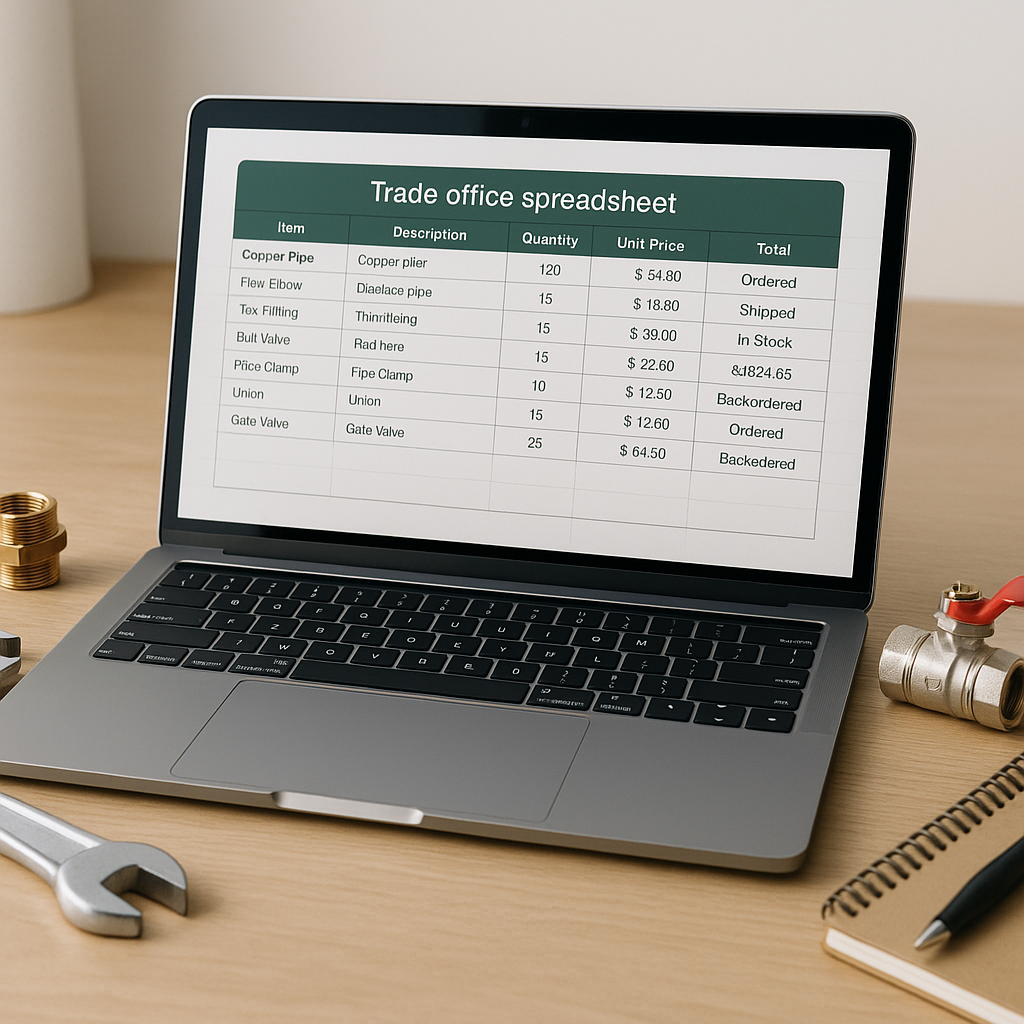
If you use ServiceM8 to run your trade business, there is a good chance your material prices live in more than one place. A supplier spreadsheet gets emailed over. Someone updates a Google Sheet. Then another person tries to copy the latest prices into ServiceM8 by hand.
That setup works for a while, until it doesn’t.
For many plumbing, heating, electrical and HVAC businesses in the UK, August is a busy month for tidying up admin before autumn demand picks up. Holiday cover, supplier price changes and last-minute summer projects can all expose the same problem. Your office team and engineers are not always working from the same material prices.
That is why syncing Google Sheets with ServiceM8 has become such a useful way to manage inventory. It gives you one central price list, while keeping the items in ServiceM8 ready for quoting and invoicing.
Why so many trade businesses use Google Sheets for pricing
ServiceM8 is excellent for running jobs, quotes and invoices. But when it comes to maintaining a large product list, many businesses still prefer Google Sheets.
There are a few simple reasons for that:
- it is quick to edit in bulk
- multiple people can review changes
- supplier exports are easier to compare
- you can sort, filter and search thousands of lines fast
- it creates a clear master price list for the whole business
This is especially helpful if your plumbing or heating company has a growing inventory, seasonal price movement, or several engineers using the same materials.
A spreadsheet is often the easiest place to manage the raw data. ServiceM8 is where that data needs to end up.
The problem with updating ServiceM8 manually
If you are copying prices from Google Sheets into ServiceM8 one item at a time, the process is slow and risky.
Even careful office teams run into common issues:
- old prices stay live for too long
- new items get added twice
- product names are entered differently each time
- engineers use outdated materials on quotes
- job margins get squeezed without anyone noticing immediately
Small pricing mistakes become expensive
A few pence here and there may not seem serious. But across dozens or hundreds of jobs, those small errors stack up quickly.
If copper fittings, valves, cable, pumps or air conditioning parts have increased since your last update, using old rates in ServiceM8 can quietly chip away at profit on every job.
That is one reason more businesses are looking for the easiest way to sync Google Sheets with ServiceM8, rather than relying on manual rekeying.
What a good Google Sheets to ServiceM8 workflow looks like
A practical setup does not need to be complicated. In most cases, the best approach is to use Google Sheets as your master price list, then sync the right fields into ServiceM8.
Your sheet might include:
- product code or SKU
- product name
- supplier name
- cost price
- selling price
- category
- status, such as active or discontinued
This gives your business one source of truth for pricing.
Why a master price list matters
When everyone uses the same source, it is much easier to:
- prevent duplicate inventory items in ServiceM8
- standardise naming conventions
- compare old and new supplier prices
- review changes before they go live
- keep quotes and invoices more consistent
For businesses with thousands of items, this is not just about tidiness. It is about control.
Can ServiceM8 sync with Google Sheets directly?
This is a common question, and it is usually being asked by business owners who are tired of manual updates.
In practice, most trade businesses need a simple integration layer between the two systems. The goal is not to change your whole workflow. It is to make the workflow you already use more reliable.
That means:
- keeping your spreadsheet as the place where prices are maintained
- pushing approved updates into ServiceM8 faster
- spotting duplicates or mismatches before they create problems
- reducing repetitive office admin
This is where a purpose-built tool can save a lot of time.
A simpler way to sync prices into ServiceM8
Materialm8 is designed for ServiceM8 users who want to manage product pricing more cleanly. Instead of treating ServiceM8 as the place where every edit has to happen manually, it helps you connect your master sheet to your ServiceM8 inventory in a more controlled way.
That is useful if you want to bulk update prices in ServiceM8, keep naming consistent and avoid duplicate inventory records building up over time.
A good sync process should let you:
- match spreadsheet rows to existing ServiceM8 items
- review changes before updating live data
- flag likely duplicates
- handle missing or renamed products sensibly
- repeat the process whenever supplier prices change
That is a much safer option than editing hundreds of lines individually.
Tips before you sync your Google Sheet with ServiceM8
Before setting anything up, it is worth spending a little time on your data.
Clean up your item naming
If one product appears as “15mm elbow”, “elbow 15mm” and “15 mm elbow”, you are creating future problems for yourself. Pick one format and use it across the board.
Choose a unique reference
A product code or SKU is usually more reliable than the product name alone. Names can vary. Codes are easier to match.
Review inactive or old lines
Late summer is a good time to remove discontinued items and tidy up seasonal stock before the busier autumn period starts.
Decide who owns the master list
One person should be responsible for approving price changes. That does not mean they update everything manually. It just means there is accountability.
Why this matters for UK trade businesses right now
In August, a lot of UK businesses are balancing holiday cover with the need to get systems sorted before September. If your team is already stretched, manual price maintenance becomes even more fragile.
A cleaner sync between Google Sheets and ServiceM8 helps protect consistency when different people are covering the office, updating supplier lists or building quotes.
It also helps when material prices move unexpectedly. Instead of relying on memory or old spreadsheets saved on someone’s desktop, your team can work from one central list.
Final thoughts
The easiest way to sync Google Sheets with ServiceM8 is usually not about replacing the tools you already know. It is about giving them a clear role. Google Sheets can act as your central product database. ServiceM8 can stay focused on jobs, quoting and invoicing.
When those two parts work together properly, you save admin time, reduce avoidable mistakes and make it easier to protect job margins.
If you want a simpler way to manage this, take a look at Materialm8 and see how it can help your business keep pricing and inventory under control.