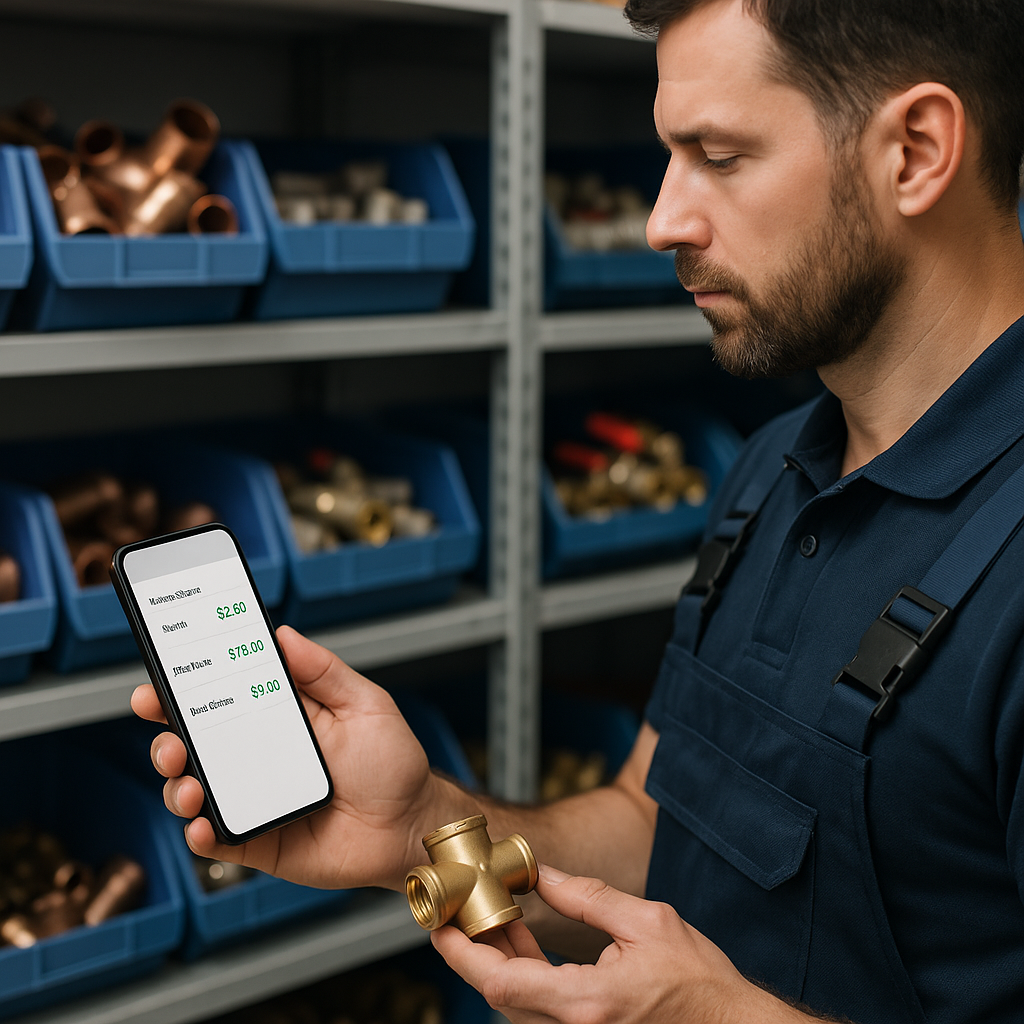
If you use ServiceM8 to quote and invoice jobs, keeping your material prices current is not just tidy admin. It directly affects your margins, job costing and day-to-day consistency.
For many UK trade businesses, August is a good time to review pricing. Summer often brings holiday cover, busy outdoor work, air conditioning demand and less time in the office. That is exactly when outdated prices tend to slip through. A few old costs in your inventory might not seem like a big issue, but across dozens or hundreds of jobs, small errors add up quickly.
This guide explains how often you should update your prices in ServiceM8, what can trigger an update, and how to make the process easier to manage.
If you are looking at improving your wider setup, it is worth exploring Materialm8 as a starting point.
Why price updates matter more than most businesses think
A lot of trade businesses only review pricing when a supplier sends a big increase notice. The problem is that prices can drift long before that. If your team is quoting from old inventory data, you can end up undercharging without realising.
Accurate pricing in ServiceM8 helps you:
- protect job margins
- keep quotes consistent across office staff and engineers
- reduce manual corrections on invoices
- avoid awkward customer conversations after a quote has been sent
- make job costing more reliable
This is especially important for plumbing, heating, electrical and HVAC firms carrying large item lists. The more materials you use, the easier it is for stale pricing to spread through the system.
So, how often should you update your prices?
There is no single rule that suits every trade business, but for most ServiceM8 users, a monthly review is a sensible baseline.
A good rule of thumb
Use this as a simple guide:
- Monthly, for your standard review of regular stock and commonly used items.
- Immediately after supplier increases, especially on high-volume or high-value materials.
- Before busy seasonal periods, when quoting volume rises and admin time gets tighter.
- After adding a new supplier list, to make sure your selling prices still reflect your target markup.
For many businesses, monthly is enough to stay in control. If material costs in your trade move more often, fortnightly may be better. If you are managing specialist items that rarely change, a monthly check plus ad hoc updates may do the job.
Signs your ServiceM8 prices are already out of date
Sometimes the issue is not how often you update, but the fact that your current process is too reactive.
Watch for these warning signs:
- your office team checks supplier portals before sending quotes
- engineers question item prices in the field
- the same item exists more than once with different prices
- margins vary wildly between similar jobs
- you are still using last year's material costs
- supplier increases are handled manually, one item at a time
- nobody is fully sure which price list is the latest one
If any of those sound familiar, your business probably needs a clearer price management routine.
What should trigger an extra update?
Monthly reviews are useful, but some changes should prompt an update straight away.
Supplier price increases
If a supplier changes pricing on copper, controls, valves, pipework, fittings or common service parts, those updates should feed into your master list quickly. Waiting until month end can mean several weeks of underpriced jobs.
New product ranges or substitutions
In summer, many businesses take on extra work linked to cooling, refurbishments or external projects. That often means new materials being added in a rush. If those items go into ServiceM8 without a clear naming structure or current cost, the inventory gets messy fast.
Duplicate item problems
When teams cannot find the right item, they often create another one. That leads to duplicates, mixed prices and confusion over which line should be used. Keeping your inventory organised is just as important as updating the numbers.
The best way to stay on top of price changes
The biggest mistake is treating ServiceM8 as the only place where pricing lives. For most growing trade businesses, it works better to keep one master price list outside ServiceM8, then use that as the source of truth.
Google Sheets is a practical option because it is easy to review, sort, filter and compare. You can track supplier changes, check old versus new costs and make sure your markup still works before anything reaches your team.
A good master price list should include:
- product name
- SKU or supplier code
- supplier cost
- selling price
- markup or margin target
- supplier name
- last updated date
- notes on replacements or duplicate checks
This approach makes ServiceM8 inventory management much easier, especially if you have hundreds or thousands of items.
For a broader overview of how the platform fits into this process, take a look at Materialm8.
Make price reviews easier, not bigger
Many business owners put off updates because the task feels too large. In reality, the goal is not to rebuild your entire inventory every month. It is to create a repeatable routine.
Try this simple monthly process:
1. Review your core items first
Start with the materials you use most often. These have the biggest impact on margin.
2. Compare supplier costs against selling prices
Check whether your current markup still gives you enough room.
3. Clean up duplicates and naming issues
If the same item appears multiple times, fix that before it creates more pricing confusion.
4. Update your team on any major changes
Make sure office staff and engineers are working from the same prices.
5. Schedule the next review
Do not leave it until someone spots a problem on a quote.
Final thoughts
Keeping ServiceM8 inventory prices up to date is really about protecting margin and reducing admin stress. A monthly review is the right starting point for most UK trade businesses, with extra updates whenever suppliers make changes or your stock list shifts.
If your current process relies on memory, manual edits and crossed fingers, it is probably time for a better system. Materialm8 helps ServiceM8 users create a cleaner, more reliable way to manage inventory pricing without overcomplicating the workflow.
To see how Materialm8 can support your pricing process, visit Materialm8 and take a look around.