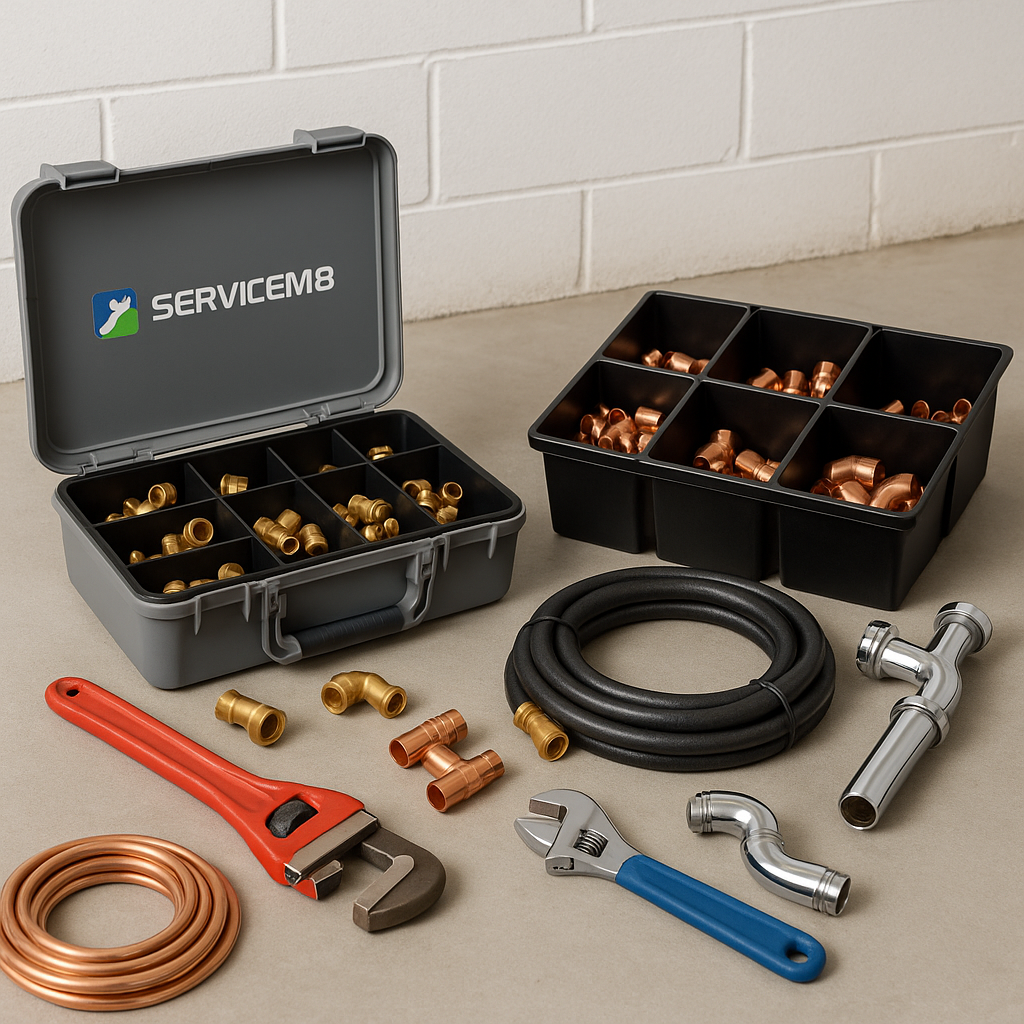
If your ServiceM8 inventory has grown bit by bit over time, it can quickly become hard to manage. Duplicate items appear, old prices stay in place, product names stop matching, and engineers start picking different versions of the same material.
For UK trade businesses, especially busy plumbing, heating, electrical and HVAC firms, this usually gets worse during summer. August often brings holiday cover, temporary admin changes and rushed quoting, which makes it easier for messy data to slip through. The result is simple, pricing mistakes, wasted time and less confidence in the numbers on your jobs.
The good news is that cleaning up a messy ServiceM8 inventory does not have to be a huge project. With the right process, you can tidy what you already have and make it much easier to manage going forward.
Why a messy inventory causes bigger problems than you think
A cluttered inventory is not just annoying to look at. It affects daily operations across your business.
Common problems include:
- duplicate items with slightly different names
- outdated material costs and selling prices
- engineers selecting the wrong item on site
- office staff quoting from inconsistent price lists
- difficulty tracking supplier price increases
- poor job costing and reduced gross profit visibility
If you have ever found three versions of the same valve, each with a different price, you have already seen the problem. Small errors repeated across hundreds of jobs can quietly damage margins.
This is one reason many firms start creating a single master price list outside ServiceM8, often in Google Sheets, then use that as their source of truth.
Start with a simple inventory audit
Before changing anything, you need a clear view of what is already in your account.
What to look for first
Go through your inventory and identify:
- Items with the same or very similar names
- Old products you no longer buy or fit
- Items with missing product codes
- Inconsistent naming styles
- Prices that have not been reviewed in months
- Materials that exist in supplier sheets but not in ServiceM8
This stage is really about spotting patterns. In most cases, messy inventories are not caused by one big mistake. They are caused by years of small, inconsistent updates.
Decide what your master record should be
For each duplicate or confusing group of items, choose one version to keep as the main record. That item should have the clearest name, the correct code and the right pricing structure.
If your team is asking, "SKU vs product name, what should we use in ServiceM8?", the best answer is usually both where possible. A standard code helps matching and sorting, while a clear description helps engineers and admin staff pick the right item quickly.
Standardise how items are named
One of the easiest ways to clean up ServiceM8 inventory properly is to create a naming convention and stick to it.
For example, instead of having:
- 22mm copper elbow
- Elbow copper 22
- CU ELBOW 22MM
choose one format and apply it consistently.
A good naming structure often includes:
- product type
- size
- material
- brand or range if needed
- pack quantity if relevant
This makes items easier to search, easier to compare and much harder to duplicate later.
For plumbing and heating businesses with large stock lists, consistent naming also helps during holiday cover. If someone else is handling quotes in August, they can still find the right item without guessing.
Remove duplicates carefully
Deleting items too quickly can create confusion, so it is better to review duplicates in a controlled way.
A practical way to handle duplicate items
Work through duplicates in batches. For each group:
- confirm which item should stay
- check the latest cost and selling price
- make sure the product code is correct
- note any old versions that should no longer be used
- update your master price list so the duplicate does not come back later
This is where many businesses realise they need one source of truth for pricing, rather than updating ServiceM8 manually from different supplier emails and spreadsheets.
Check pricing while you clean
Inventory clean-up is the perfect time to review pricing accuracy. There is little value in organising everything neatly if the costs are still out of date.
Summer can be a useful checkpoint for this. Many trade businesses review supplier changes before the autumn workload picks up, especially after periods of leave when admin tasks may have been delayed.
As you review items, check:
- current supplier cost
- current selling price
- markup or margin logic
- whether old seasonal or legacy items should be archived
If you are still relying on last year’s material prices, your job margins may already be under pressure.
Move towards a cleaner long-term system
Cleaning up once is helpful. Keeping things clean is where the real value is.
A better long-term setup usually looks like this:
Use a central master price list
Many ServiceM8 users manage their core product data in Google Sheets first, then keep ServiceM8 aligned from that master list. This makes it easier to compare supplier updates, track changes over time and avoid random one-off edits.
Limit who can add or edit items
If too many people can create inventory items freely, duplicates and naming issues tend to return. Set a simple internal process so new items follow the same structure.
Review inventory regularly
You do not need a full clean-up every month, but a light review each quarter can prevent a much larger mess later.
If you want a simpler way to keep pricing and product data under control, Materialm8 is built specifically for ServiceM8 users who want better inventory management without changing how the whole business works. You can also start from the Materialm8 homepage to see how it fits into your current process.
A simple clean-up checklist
Here is a practical checklist you can use:
- export or review your current ServiceM8 inventory
- identify duplicate and outdated items
- choose a master version for each product
- standardise names and product codes
- check material costs and selling prices
- remove or archive items you no longer need
- create a central master price list
- set rules for future item creation
- review the inventory again after major supplier updates
For growing trade businesses across the UK, this kind of process can save a lot of admin time and reduce pricing mistakes.
Final thought
A messy ServiceM8 inventory usually builds up slowly, but it can affect quoting, job costing and margins every single day. The best approach is to clean it up in a structured way, standardise how items are managed, and make sure your team is working from one reliable price list.
If you want help building a cleaner, easier system for managing ServiceM8 inventory, visit Materialm8 and see how it can support your business.